
Video · Design with Canva
How Claude Fits Into a Real Canva Content Workflow
Ronny Hermosa tests Claude Cowork with Canva on a real campaign and shows where AI can genuinely speed up design, copy, and scheduling work.
Find your workflow
Search Mode coverage by creator, category, tool or topic, or browse everything and narrow it down as you go.
21 results

Ronny Hermosa tests Claude Cowork with Canva on a real campaign and shows where AI can genuinely speed up design, copy, and scheduling work.

Google’s new laptop category pairs Gemini features with premium hardware, a glowbar design cue and Android-ecosystem links. The real test will be whether the concept feels coherent when devices arrive in fall 2026.
Ronnie Hermosa argues that Canva’s smartest move is not trying to out-model ChatGPT, Claude, or Gemini. It is becoming the place where AI drafts are edited, branded, and published.

Premiere Gal’s demo shows how Firefly’s updated Generate Video workflow now fits cleaner into real creator production: start with a design, set output options, and generate motion without leaving Adobe’s ecosystem.

Dansky’s quick look at Photoshop’s latest update shows how the new Light adjustment layer brings familiar Camera Raw-style controls into a simpler, more approachable workflow.
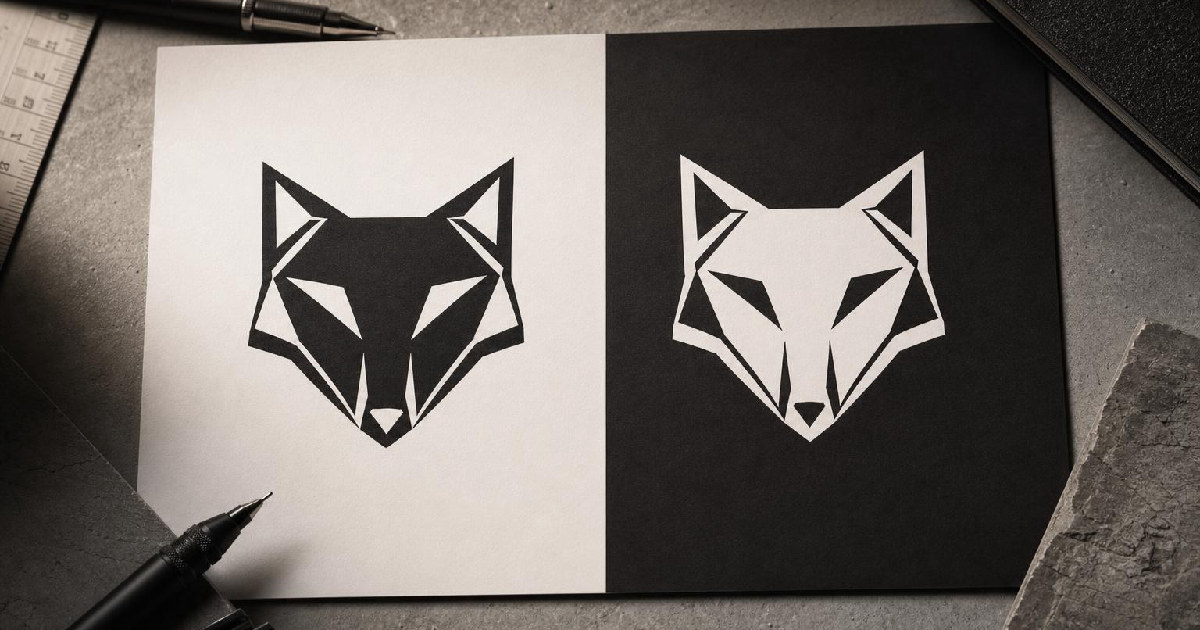
Dansky shows a small Illustrator habit that can make a logo read more consistently across dark and light backgrounds: stop trusting the copy-paste version and fix the optical spacing by hand.

Adobe’s latest Photoshop updates combine prompt-based editing with masks, markup, non-destructive lighting controls, and a dedicated AI-assisted workspace. The important shift is that AI is being pulled closer to the editor’s existing judgment.
Adobe Firefly now brings image, video, music, speech, sound effects, and third-party models into one creative AI environment. The useful question is whether that reduces tool switching without creating a messier workflow.

Framer Agents can now work with 3D transforms like perspective, depth and rotate while keeping the result editable on the canvas.

Figma is letting designers build and share generative plugins and shaders directly on the canvas. The bigger idea is that creative software is becoming more programmable by the people using it.

Canva says it has shipped more than 100 updates across Docs, Sheets, Whiteboards, Presentations, Websites, and Video. The strategic play is clear: reduce how often teams need to leave the Visual Suite to finish a project.
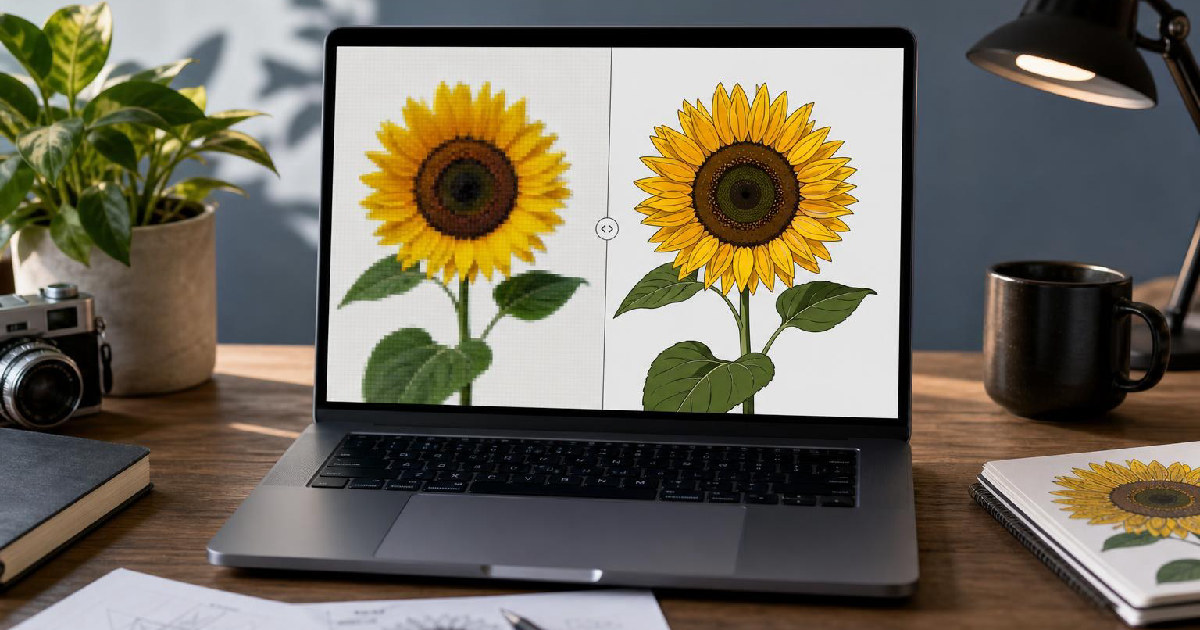
Pixel & Bracket shows why Illustrator’s Image Trace is useful as a starting point, not a one-click cure-all—and which adjustments matter most.

Premiere Gal’s tutorial shows a cleaner way to handle selective grading: use clip-level color shift for broad corrections, then switch to object masking and tracking when one element needs its own look.

Design with Canva’s tutorial makes a simple but important case: if ChatGPT gets real business context before it writes, the result is far easier to shape into something that actually fits the brand.

Jana’s beginner walkthrough shows that Canva is less about memorizing every tab and more about learning a repeatable path from account setup to export.

Feisworld Media’s walkthrough shows Firefly as a compact production bridge: generate, test, refine, and move assets into Adobe Express or Photoshop web when you need more control.

Design with Canva’s tutorial is less about shortcuts and more about cutting the decisions that slow a carousel down. The win is a repeatable workflow: prep the content first, search with intent, match images to the layout, save the templates that work, and use

Feisworld Media’s case for Adobe Express Premium is less about novelty and more about having one place to build, resize, brand, and schedule content without redoing the work five different ways.
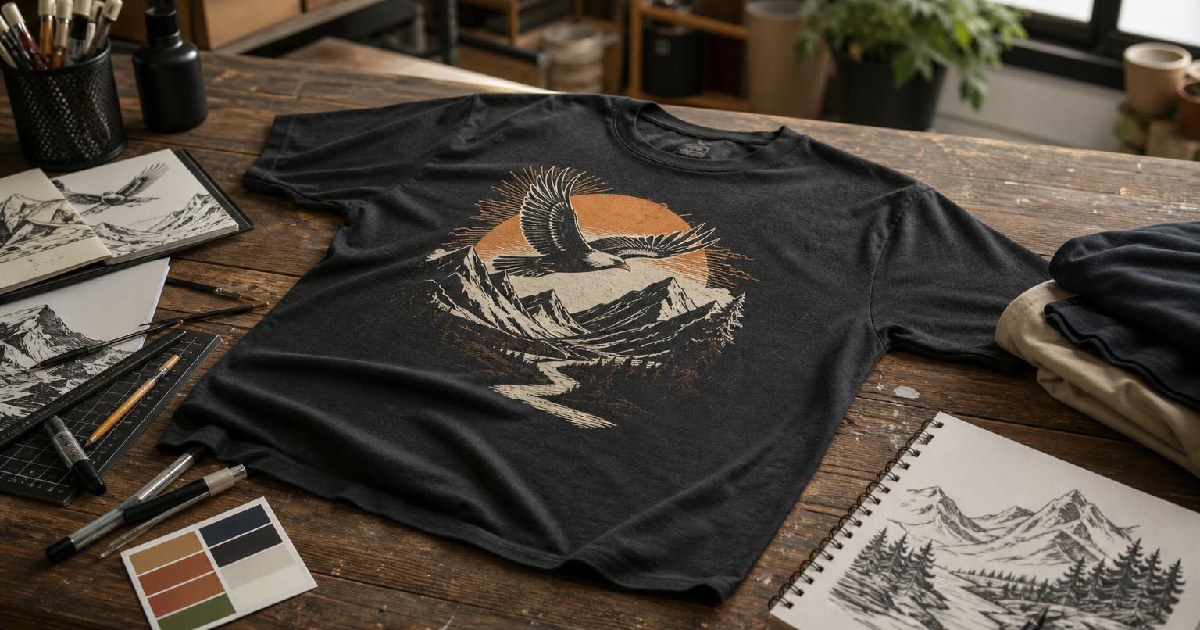
Detour Shirts and Drew from Kittl break t-shirt design down into a few usable rules: fill the space, use fewer colors, keep the idea simple, then layer in asymmetry and edge-breaking once the basics are in place.
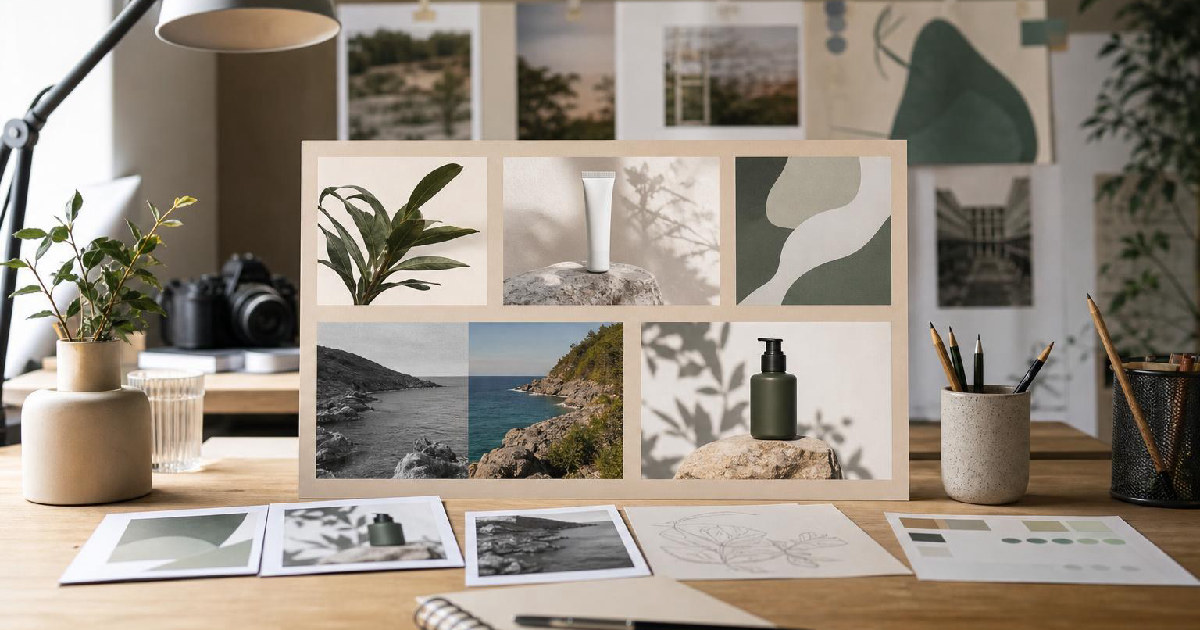
Design with Canva shows how to reuse old files, translate graphics, rebuild mockups, add motion, and restyle a visual without starting from zero.

Dansky’s crash course is less about memorizing every menu and more about learning Illustrator’s logic: documents, selection, shapes, paths, color, and export.