
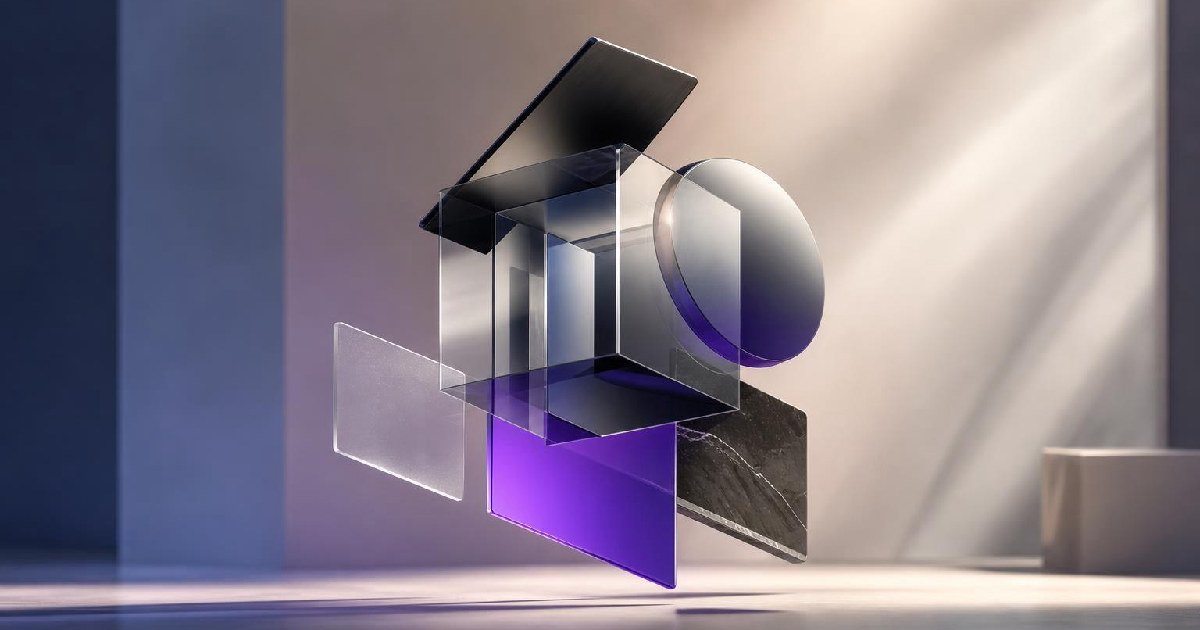
Framer’s latest Agent update adds support for 3D transform properties including Rotate X, Y and Z, Perspective, Origin, Depth and Backface. On the surface, that sounds like a visual-effects feature. The more important part is what happens after the agent creates the effect: the layers remain editable inside the normal Framer canvas.
That detail gets at one of the biggest tradeoffs in AI-assisted design. Generative tools are fast when the first result is good enough, but they become frustrating when the output turns into a black box that designers cannot easily refine. Framer is pushing in the opposite direction by treating the agent as another way to manipulate the same design system a person already uses.
For creator sites, landing pages and portfolio builds, that could make AI-generated motion and depth effects more practical because the result does not have to stay trapped inside a one-off generated artifact.
The agent is working with real Framer properties
According to Framer, the Agent can now use 3D properties such as perspective, depth, backface and rotational controls. The company’s own example was built with editable Frames and Effects rather than a flattened animation.
That matters because the value of a design agent is not just how quickly it can make something visually interesting. A production website still needs responsive behavior, revisions, accessibility decisions, performance checks and client feedback. An effect that looks impressive but cannot be adjusted cleanly becomes technical debt almost immediately.
By keeping the 3D layers selectable, Framer lets a designer inspect what the agent did and continue editing it manually.
Control is becoming a bigger part of the AI pitch
Framer’s recent Agent updates show the same pattern beyond 3D transforms. In August, the company added reasoning controls and a Fast mode for supported models. That gives users more say over how much planning the agent does before it starts building and how much speed they want to trade for token usage.
Together, those updates suggest Framer is moving away from a single “generate this page” experience and toward a more adjustable assistant that can be directed at different levels of complexity.
For working designers, that is a better fit with real production. Not every change needs deep reasoning. A small spacing fix and a full-page restructuring should not have to use the same workflow.
3D effects are useful only when they survive the rest of the site
3D transforms can add depth and motion to a landing page, product showcase or portfolio, but they are also easy to overuse. The practical test is whether the effect still works across breakpoints, loads quickly enough and supports the page rather than distracting from it.
Framer’s approach gives designers a better chance to make those decisions after generation because the output stays inside the normal canvas. A creator can start with an Agent-built effect, then reduce the depth on mobile, simplify the motion or remove the effect entirely if it starts hurting clarity.
That is a more useful workflow than treating AI-generated visual polish as a finished answer.
This fits Framer’s broader Agent direction
Framer 3.0 introduced Agents as a major part of the product, with capabilities spanning page creation, breakpoints, effects, components, code, CMS work and analytics. The newer 3D support is less important as a standalone feature than as evidence that the same Agent model is becoming more capable inside the existing editor.
The company is also expanding APIs, branching and other collaboration features around that direction. The result is a design environment where AI is increasingly expected to work with the same underlying objects and publishing system as human users.
That is a meaningful distinction in a crowded AI website market. The long-term winner may not be the platform that produces the most dramatic first prompt. It may be the platform that makes the generated work easiest to understand, edit and ship.
What creators should actually test
For creators already using Framer, the best test is not to ask the Agent for a flashy 3D homepage and judge the screenshot. Use it on a real section of a real site.
Ask for a subtle depth effect on a product mockup, a perspective treatment on a portfolio card, or a controlled rotation that responds to the design without taking over the page. Then inspect the layers, change the values manually and test the result across breakpoints.
If the effect remains easy to control after the agent is done, the update is useful. If the designer still has to rebuild everything manually to make it production-ready, the speed advantage disappears.
Framer’s latest update is interesting because it is designed around that second half of the workflow. The Agent makes the first move, but the designer still owns the file.
Recommended next
Products & tools
One Mode Digital Media product and one relevant affiliate recommendation selected for this page.

The Cloud Is Just Someone Else's Computer
A funny technical-design reminder that “The Cloud Is Just Someone Else’s Computer.” Server racks, data lines, and cloud imagery make it a great pick for IT pros, developers, tech workers, cloud engineers, and anyone who enjoys explaining what the cloud actually is.
Tidio
Live chat, helpdesk and AI-assisted customer-support tools for websites and growing online businesses.
Original source
Mode adds independent editorial context while preserving a clear path to the original source behind this story.
View original source ↗