
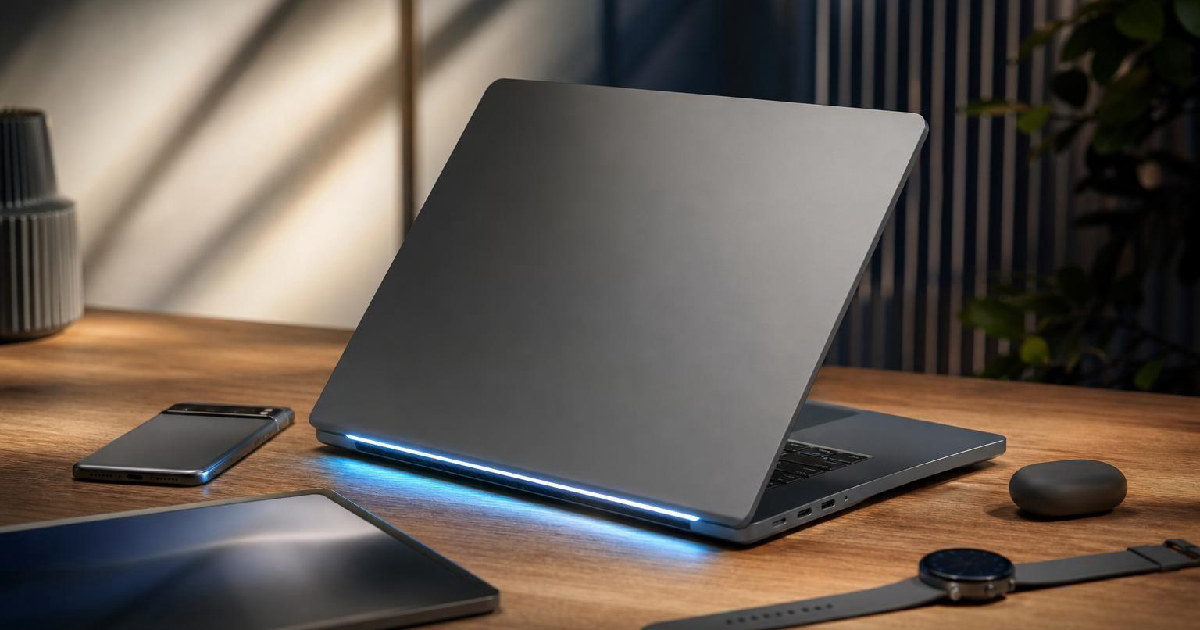
Googlebook’s pitch: a laptop category built around identity, not just specs
Google is trying to do more than launch another Chromebook-style refresh. In its announcement for Googlebook, the company describes a new category of laptops that combines Android apps, ChromeOS, Gemini capabilities and premium hardware, with a launch window planned for fall 2026 and more details due later that year. Google also says the first devices are being developed with Acer, ASUS, Dell, HP and Lenovo. (Google announcement)
That framing matters because it suggests Googlebook is meant to be recognizable as a platform, not just a device lineup. The pitch centers on a laptop that feels designed for Google’s broader software stack from the start, while still carrying the kind of premium materials and visual cues that usually help a new category stand apart in a crowded market.
Why the hardware message matters as much as the software
Google says Googlebooks will use premium craftsmanship and materials and will come in multiple shapes and sizes. That is the clearest signal that the company wants this category to read as more ambitious than an incremental update. Premium hardware is doing two jobs here: signaling design intent and creating room for different use cases without forcing every model into the same silhouette. (Google announcement)
The most visible design cue Google highlights is the glowbar, which it calls a distinctive Googlebook feature intended to be both functional and visually appealing. In other words, the design is not just about looking polished. Google is trying to create a signature element that can do the work of brand recognition while also serving a practical purpose. That is a familiar product strategy in consumer hardware, but it becomes more important when a company is launching a category name that many buyers will not yet know.
The emphasis on materials and form factors also hints at a practical problem Google needs to solve: if Googlebook is meant to sit at the intersection of work, creation and mobile life, it will need to feel credible in more than one size or price tier. The announcement does not provide full specifications, so it is too early to judge the build quality itself. But the language makes clear that Google is treating industrial design as part of the product story, not an afterthought.
The software story: Gemini, Android apps and ChromeOS in one package
Googlebook’s software pitch is broad but intentionally connected. Google says the new category brings together Android apps, ChromeOS and Gemini capabilities, and describes the laptops as being built with Gemini’s helpfulness at their core. The company also says these machines are designed to work seamlessly with Android phones and with the devices already in a user’s life. (Google announcement)
That combination suggests Googlebook is meant to reduce friction between app ecosystems and devices rather than force users to think about which screen should handle what. Google’s examples are practical: a user can tap a phone app without leaving the laptop workflow, finish a daily language lesson from the laptop, and access phone files directly from the file browser through a feature called Quick Access. Google says that Quick Access lets users view, search or insert files from a phone on the laptop with no transfers needed. (Google announcement)
For readers evaluating whether Googlebook is meaningful or merely a rebrand, this is the core question. The announcement is not just promising AI features; it is promising continuity across devices. If that continuity works well, it could be the part of Googlebook people notice most often, because it affects daily tasks rather than isolated demos.
The feature that will shape first impressions: cursor-level help
Google’s most unusual example is Magic Pointer, a Gemini-powered feature built with the Google DeepMind team. According to Google, it starts with the cursor and offers contextual suggestions when users point at something on the screen. The company says a user could point at a date in an email to set up a meeting, or select two images, such as a living room and a new couch, to visualize them together. (Google announcement)
That approach is notable because it moves AI assistance closer to the interface itself. Rather than asking users to switch to a separate assistant window or remember a command flow, Google is trying to make the cursor a place where action begins. If it works as described, it could make Googlebook feel more immediate and less like a traditional laptop with AI features layered on top.
Google also mentions Create your Widget, which lets users create custom widgets by prompting Gemini. The company says Gemini can search the internet or connect to apps like Gmail and Calendar to assemble a personalized dashboard, such as a travel or event planning hub with flights, hotel information, reservations and a countdown. (Google announcement)
Taken together, these features point to a common goal: reducing the number of steps between intent and action. The product claim is not just that Gemini is available on the laptop, but that it is woven into the places where users are already working.
What to watch before the fall 2026 launch
Google says more Googlebook details are expected later in 2026, with devices planned to become available in the fall. That gives the company time to refine the message, but it also means the current announcement is best read as an opening statement rather than a complete product reveal. (Google announcement)
The most important near-term questions are straightforward. How much of Googlebook’s appeal will come from the new design language versus the software integration? Will the glowbar and premium materials feel distinctive across different device shapes and sizes, or just on the first wave of hardware? And will the cross-device features remain compelling once they are tied to real pricing, battery life, and everyday performance?
Those answers are not available yet, and the announcement does not try to provide them. But the outline is clear enough to understand Google’s strategy. Googlebook is being positioned as a laptop category that links Gemini, Android and ChromeOS in a single hardware identity, while using premium materials and a recognizable design feature to make that identity visible. If Google follows through, the result could be less about a single model and more about a new visual and software language for its laptops.
Recommended next
Products & tools
One Mode Digital Media product and one relevant affiliate recommendation selected for this page.
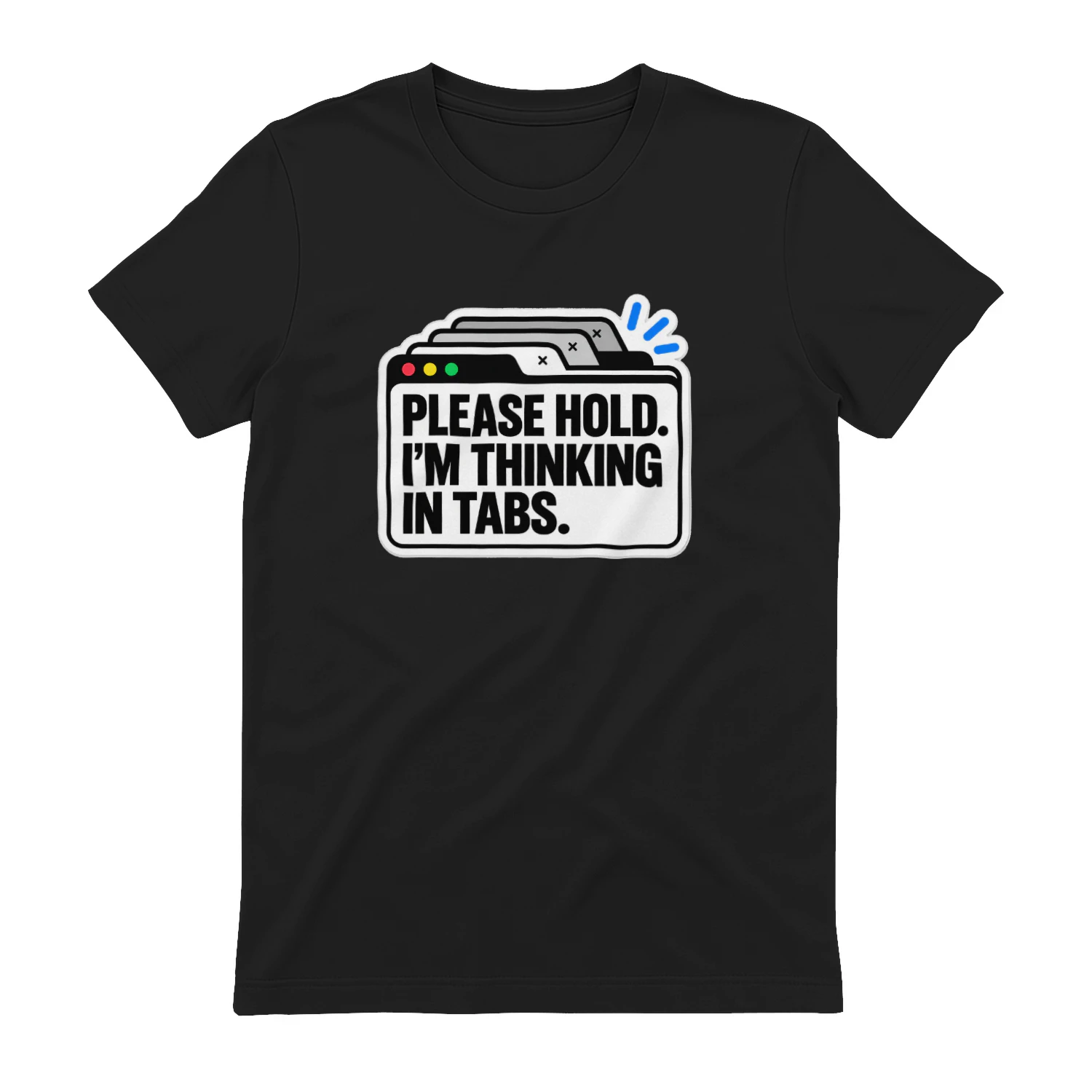
Please Hold. I'm Thinking in Tabs.
A clean tabbed-browser design for anyone whose thoughts arrive in multiple windows at once. “Please Hold. I’m Thinking in Tabs.” is a clever fit for multitaskers, creators, researchers, and people whose brains work a lot like their browsers.
Envato Elements
Templates, graphics, video, audio and design assets in one subscription.
Original source
Mode adds independent editorial context while preserving a clear path to the original source behind this story.
View original source ↗