
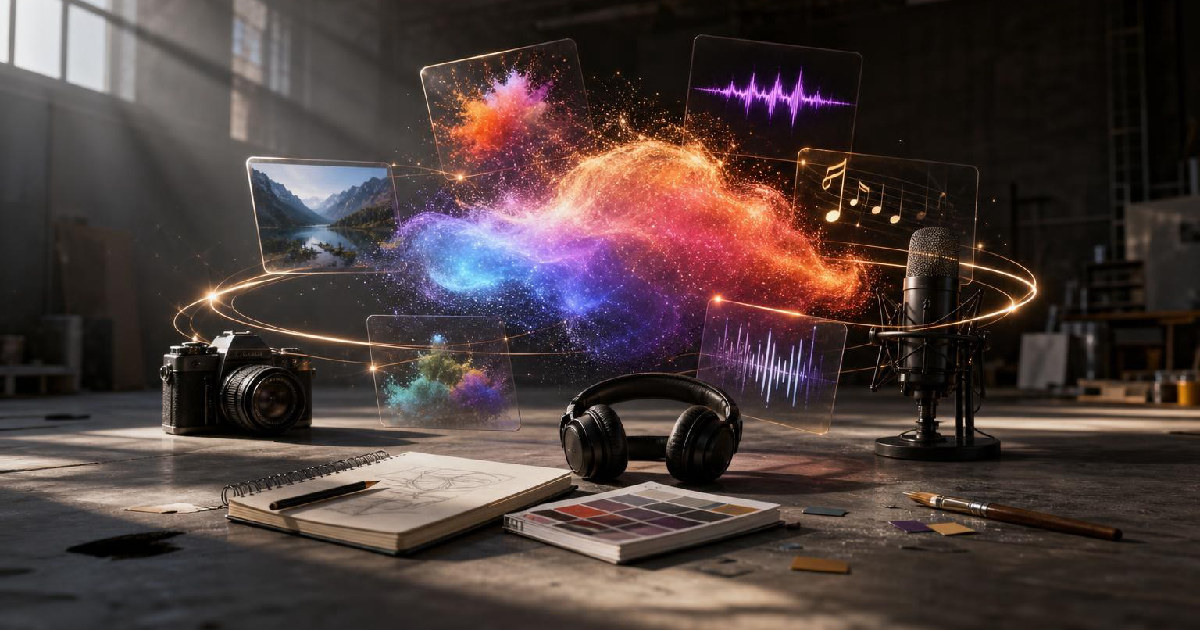
Firefly is becoming broader than an image generator
Adobe Firefly is expanding into a wider creative AI workspace. The platform now brings music, speech, and sound-effect generation alongside image, video, design, and third-party models.
The important shift is not that Adobe can generate another media type. It is that more stages of a project can happen in one environment.
Why audio belongs in the same workflow
Video creators routinely bounce between visual editing, voiceover, music, sound effects, image generation, and cleanup tools. Every switch adds exports, file management, and version problems.
Bringing audio generation closer to image and video work can shorten that chain, especially for quick social content, prototypes, explainers, and concept work.
The third-party model strategy
Adobe is also positioning Firefly as a place where creators can access more than Adobe’s own models. That gives users model choice without forcing them to rebuild the surrounding workflow each time.
The benefit is convenience. The risk is that a studio becomes a layer over many models without making it obvious which model is best for which job. Creators still need to understand quality, licensing, and output differences.
Where creators may save time
The strongest use cases are projects that need several small assets: a voiceover, a transition sound, a background music idea, an image variation, and a short video treatment. Keeping those tasks close together can matter more than having the absolute best standalone generator in every category.
What still needs human review
Generated audio can create the same problems as generated images: awkward timing, generic choices, factual mistakes in speech, or music that technically works but does not fit the brand.
The broader Firefly studio is useful if it reduces production friction while preserving editorial judgment. Creators should test it against a complete project, not one isolated generation prompt.
A broader Firefly changes the creative handoff
As Firefly expands into audio, music, speech, video, and other creative formats, the useful question becomes how well those generated pieces move into a real production workflow. A creator rarely needs an isolated asset. The asset usually belongs inside an edit, campaign, presentation, podcast, advertisement, or social package that still requires human decisions.
That makes continuity across Adobe tools important. A generated audio element is more useful if it can be trimmed, mixed, replaced, licensed, and documented without leaving the production environment. The same is true for images and video. Generation is only the first step; revision and delivery determine whether the asset is actually useful.
Creators should also keep provenance and rights in the workflow. Know which assets were generated, which source material was supplied, and what usage terms apply before a project is handed to a client or published commercially. That record becomes more important as one campaign contains a mixture of photographed, designed, licensed, and generated material.
The strongest reason to watch Firefly's expansion is therefore not the ability to generate every media type. It is the possibility of reducing the handoff friction between those media types while keeping them inside a production system creators already understand.
Creative teams should define where generation stops
As one tool can generate more types of media, teams need clearer boundaries around when AI generation is appropriate and when traditional production should take over. A concept image, placeholder narration, or rough music bed may be perfect during ideation. A final client deliverable may need a different level of review, licensing certainty, performance control, or human craft.
That boundary can be written into the workflow rather than decided from scratch on every project. Mark generated assets, keep the original prompt or source context where appropriate, and establish which outputs require a human replacement before final delivery. The same policy can cover client preferences and brand-specific restrictions.
This is also where a broader Firefly ecosystem could be useful. If generated assets, licensed assets, and manually created assets can stay organized inside the same production environment, creators spend less time reconstructing how a project was made.
The competitive advantage is not generating everything. It is knowing which parts of the creative process benefit from generation and keeping enough structure around those choices that the final work remains understandable.
For creators, that kind of clarity is what turns a broad AI studio into a dependable production tool.
Recommended next
Products & tools
One Mode Digital Media product and one relevant affiliate recommendation selected for this page.

The Future Needs a Password Reset
A clean future-tech design that treats tomorrow like one more account that has forgotten its password. “The Future Needs a Password Reset” blends cybersecurity humor with digital optimism for tech fans, developers, creators, and anyone troubleshooting modern life.
Artlist
Music, footage and creative assets for video-first creators.
Original source
Mode adds independent editorial context while preserving a clear path to the original source behind this story.
View original source ↗