
Mode breakdown
Why remote podcasting gets messy fast
Tom Buck’s video is really about a practical production problem: remote podcasting is easy to start and surprisingly hard to make sound good. Anyone can send a link, jump on a call, and press record. The trouble begins when a podcast is expected to do two jobs at once — feel conversational for the guest and still hold up as a polished video or audio show.
Buck’s answer is direct. If you want better results from a remote podcast, you need a workflow that preserves local-quality capture without asking every guest to behave like a producer. That is where Riverside comes in. In his demonstration, he treats it less like a flashy platform and more like a bridge between two realities: the convenience people expect from familiar call software and the quality standard podcasts actually need.
The premise is useful because it reflects how most remote shows are made. The host may have better gear and more experience, but the guest often does not. They may not own a microphone, may not know how to manage files, or may simply want the easiest path possible. Buck does not treat that as a side issue. He treats it as the main design constraint.
How Riverside keeps the workflow simple without giving up quality
The strongest part of the video is Buck’s explanation of what Riverside is doing behind the scenes. Instead of relying only on browser-based capture like typical conferencing tools, it records locally on each participant’s computer while uploading in real time. That means the host can end a session with the full-quality files already available, while the guest only had to join through a link and wait for the upload to finish.
That small difference changes the whole workflow. A conventional remote interview can create a lot of hidden risk: a guest forgets to hit record, sends the wrong files, struggles with settings, or ends up leaning entirely on the host to fix a low-quality call recording. Riverside reduces that friction by making the guest’s side as close to “click and go” as possible.
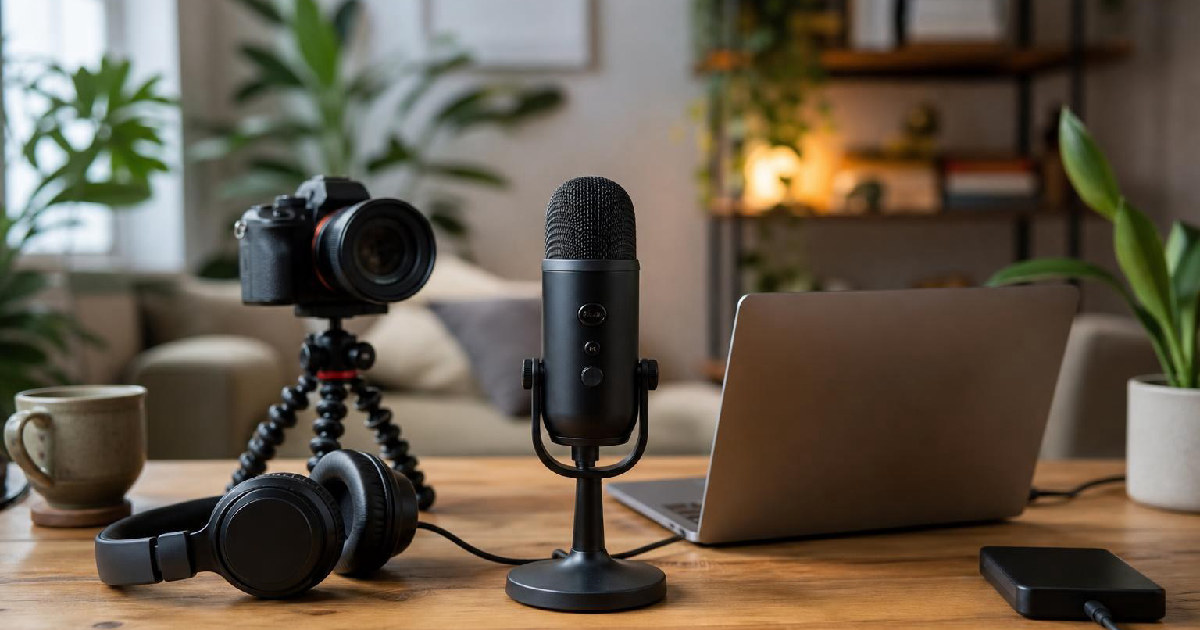
Buck is also careful not to oversell the idea that better software fixes every production problem. His setup still depends on the basics being decent: a usable microphone, a usable camera, and a stable recording process. But he keeps returning to the same point — you do not need extravagant gear for a remote show to look and sound solid. What matters is that the platform preserves what the gear is already capable of.
That is why the comparison in the video feels grounded instead of promotional. Riverside is not presented as a magic upgrade. It is presented as a way to keep the recorded result closer to what the camera and microphone can actually capture.
What the Zoom comparison clarifies
Buck’s Zoom comparison does a lot of work because it isolates the reason remote podcasts so often feel compromised. He notes that Zoom can be perfectly fine for conversation, but it is not built to prioritize podcast-grade capture. In his example, the 4K webcams are effectively reduced to a much lower-quality result, and Zoom’s default processing can get in the way of clean audio if the settings are left untouched.
That is the real takeaway. The issue is not that Zoom is unusable. It is that general-purpose communication software solves a different problem. It helps people talk. A podcast needs more than that, especially when the final show may be listened to on a phone, in the background, or across a long runtime where audio quality becomes the thing people notice first.
Buck makes this case without turning it into a technical lecture. He shows the viewer why the difference matters by moving from the more familiar setup to Riverside and letting the quality jump speak for itself. The point is less about bragging rights and more about standards: if the show is meant to last, the recording method should protect quality at the source.
That is also why he emphasizes local recording so strongly. It is not simply a workflow preference. It is the mechanism that keeps remote production from collapsing into “good enough.”
Camera placement and remote control as production tools
Buck spends part of the video on camera framing because remote podcast quality is not only about codecs and upload behavior. It is also about how comfortable the people on screen feel. He compares a camera placed on top of a monitor with a lower desk-level position and explains the visual effect: higher angles can make a subject feel smaller and less authoritative, while lower angles can feel more imposing.
For a podcast, his recommendation is practical rather than rigid. Eye level or slightly above tends to work well when you can manage it, especially if the goal is to feel approachable rather than dramatic. He also points out that a teleprompter can help maintain a neutral, direct eyeline, which is useful not just for scripted material but for interviews and remote conversations too.
The remote camera control segment pushes that idea even further. Using OBSBOT’s tools, Buck shows how a host can take over a guest camera, reframe the shot, zoom in, crop, and save presets. The value here is not just convenience. It is reducing the number of things a guest has to think about. If the host can make the framing look right from their end, the guest can focus on the conversation instead of fiddling with composition.
That is one of the more thoughtful ideas in the video: a smoother guest experience is itself a production upgrade.
The audio settings that matter before you hit record
Buck’s final recommendations are the kind that often get ignored until something sounds off. He suggests turning off aggressive noise reduction, echo cancellation, and voice isolation at the start, especially when using a dedicated microphone. His reasoning is simple: those settings are often applied broadly, and a good microphone should be heard on its own first before any processing is added back in.
He also draws a useful line between live and edited workflows. If you are recording live, you may want a little real-time cleanup. If you are recording for later edit, it can be smarter to keep the capture more natural and do the cleanup in post-production, where you have more control. That approach preserves flexibility instead of baking one decision into the file forever.
This is where the video lands on its real thesis. Remote podcasting does not have to mean choosing between ease and quality. The better workflow is the one that keeps the guest experience simple, captures locally when possible, and leaves the host with enough control to refine the result afterward.
Buck’s example with his wife Heather makes that point concrete. The gear is modest, the process is straightforward, and the outcome is noticeably better when the platform is designed around recording quality rather than just live conversation.
For creators building interviews, co-hosted shows, or recurring remote segments, that is the lesson worth keeping: simplify the guest side, protect the recording at the source, and only add processing when it serves the final edit.
Recommended next
Products & tools
One Mode Digital Media product and one relevant affiliate recommendation selected for this page.
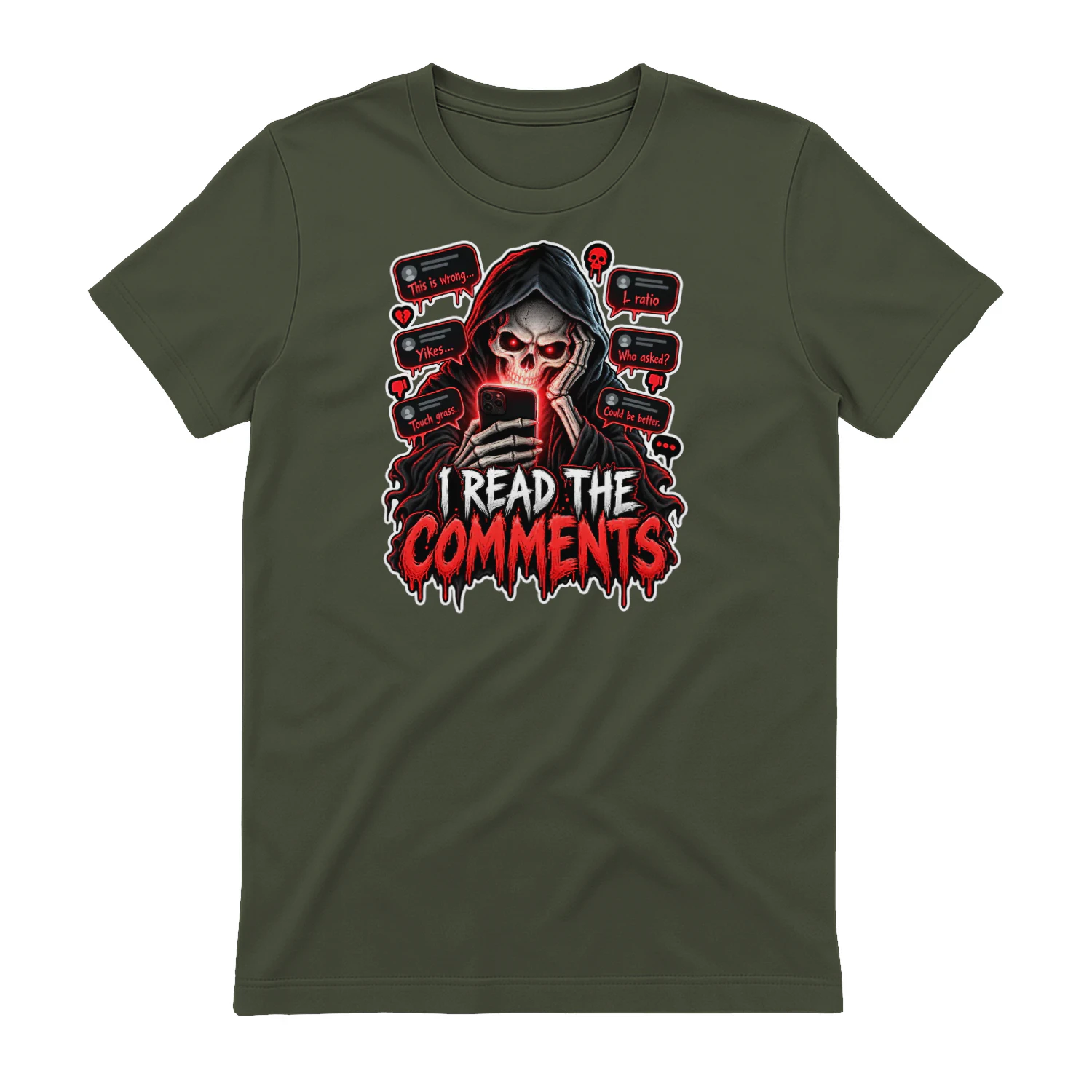
I Read The Comments
A darkly funny internet-culture design for anyone brave enough to scroll all the way into the comments section. Horror-inspired artwork turns online reactions into the real monster, making it a fun pick for creators, social-media veterans, and people who know better but look anyway.
Artlist
Music, footage and creative assets for video-first creators.