

Mode breakdown
Why these editing myths keep hanging around
Premiere Gal’s latest conversation with creator and filmmaker Leila works because it doesn’t pretend video editing has one correct path. Instead, it uses a simple smash-or-trash format to test the rules creators hear all the time: you need expensive gear, every video needs a hook, background music should run constantly, plugins are necessary, and so on.
The useful part isn’t the game itself. It’s the pattern underneath it. Most of these myths survive because they start from a real concern—audience retention, production quality, consistency, speed—and then get repeated until they sound like laws. Premiere Gal’s point is that the right answer usually depends on the kind of video you’re making, the look you want, and the workflow you can actually sustain.
The basics that matter more than gear
The video opens with one of the most common ideas in creator culture: that you need an expensive camera to make good videos. Both creators push back, and that response sets the tone for everything that follows. Better gear can help, but it can’t replace lighting, framing, or a creator’s eye. Premiere Gal points out that even older smartphones can still produce strong results in the hands of someone who knows how to use them.
That distinction matters because it shifts the focus away from hardware envy. The conversation doesn’t deny that better cameras can offer more features or flexibility. It just refuses to treat them as the source of quality on their own. For newer creators, that is a useful correction. A polished result is rarely the product of one purchase; it is more often the result of a series of small decisions that make the footage easier to watch.
Audio gets the same treatment. When the pair reaches the myth that good audio matters less than good video, they agree almost immediately: bad sound is far harder to ignore than imperfect visuals. That is one of the cleanest takeaways in the video. Viewers will forgive a little shakiness or a less-than-perfect shot more easily than they will forgive audio that is hard to hear or unpleasant to listen to.
Hooks, pacing, and when the rules get too rigid
The video also questions one of the most repeated pieces of advice in online editing culture: that every video must hook viewers in the first five seconds. Premiere Gal and Leila don’t dismiss hooks outright. They just push back against the idea that one pacing rule fits every format.
That’s where the video becomes more useful than a simple checklist. A tutorial, a talking-head video, a vlog, and a highly edited entertainment piece do not all need to behave the same way at the start. Premiere Gal notes that for some videos, the title and thumbnail already do part of the hook’s work. In those cases, the opener still needs to get to the point, but it doesn’t have to feel like a speedrun.
The same logic comes up again when they talk about silence and breathing room. One of the myths they challenge is the idea that you should never leave pauses in an edit. Both creators argue that a little space can improve rhythm and help information land. That is especially relevant for educational content, where pacing can become so aggressive that the viewer has no time to process what was just said.
In other words, the goal is not to strip out every pause, breath, or natural beat. It is to avoid dead air that feels accidental while still preserving enough room for the video to feel human.
Background music, transitions, and style are not one-size-fits-all
The section on background music is a good example of how editing advice gets flattened online. Premiere Gal says she often uses music in her tutorials to create a vibe, but she also recognizes that some viewers find constant music distracting when they are trying to learn. Leila takes a different view and prefers to keep music in more selectively.
Neither approach is wrong. What matters is the relationship between the soundtrack and the purpose of the video. If the content is meant to teach, music should support comprehension rather than compete with it. If the creator wants a calmer, more stylized experience, music can help establish that tone. The decision is less about obedience to a rule and more about the viewing experience the creator wants to shape.
That same idea shows up in the discussion of transitions. Premiere Gal is clear that default transitions are fine, and that flashy effects are not automatically better. She does make room for the practical value of L cuts and J cuts, though, and that part of the conversation is especially useful. Her explanation treats them not as fancier techniques for their own sake, but as ways to make scenes feel more seamless by overlapping audio and picture.
The broader message is that editing style should reflect the creator, not the template. Premiere Gal says she likes editors who bring a comedic sensibility because that matches her own tone. Leila says her own approach is different, even when they teach similar topics. That difference is the point: there is value in recognizable voice, not just cleaner assembly.
Log footage, LUTs, and plugins: useful tools, not magic fixes
The same practical skepticism appears in the video’s technical sections. On shooting in log, Premiere Gal’s answer is not a blanket yes. She explains that when she is shooting in a controlled studio setup, she prefers a simpler approach because the footage already looks good straight out of camera. But when she is shooting outside or needs more flexibility, log can make more sense.
That is a better framework than telling every creator to always shoot one way. It acknowledges that flexibility is useful in some situations and unnecessary in others. The conversation around LUTs follows the same logic. They can speed up color grading and help non-colorists get closer to the look they want, but they are not a universal fix and they do not fit every clip equally well.
Plugins get a similarly measured treatment. Premiere Gal and Leila both push back on the idea that expensive add-ons are required to look professional. Tools can save time or solve specific problems, but they do not replace judgment. Premiere Gal gives a concrete example with audio cleanup, noting that a de-clicking tool can be helpful if she is dealing with mouth noise. That is exactly the sort of use case where plugins make sense: targeted support, not creative autopilot.
Organization and frame rate are about workflow, not pride
One of the strongest parts of the video is the advice on project organization. Premiere Gal says it is smart to build a skeleton for file storage and project structure, especially when working with other editors. That includes having a clear backbone for folders such as project files, media, and output so that the work can be archived and revisited without chaos.
That advice lands because it is practical, not moralizing. She admits that even she sometimes gets messy when deadlines are tight or the edit drags on. The point is not that perfect organization makes you a better artist. It is that a repeatable structure makes it easier to keep moving when the project gets complicated.
The frame rate discussion follows the same pattern. The creators reject the idea that 60 frames per second is always better than 24. Instead, they explain that frame rate depends on the type of video and the visual effect you want. High frame rates can be useful for slow motion or certain action shots, but they are not automatically the right choice for talking-head videos.
That’s a valuable reminder for creators who feel pressured to optimize every spec. Sometimes the best choice is simply the one that fits the footage and the timeline.
The real enemy is perfectionism
The most relatable part of the conversation may be the one about perfectionism. Premiere Gal and Leila both talk about how easy it is to get trapped by tiny flaws—an awkward angle, a bad hair day, a blink, a facial expression, a camera setting that feels off after the fact. Their answer is not to stop caring. It is to care less about polish that doesn’t change the viewer’s understanding of the video.
That is a useful distinction for editors because perfectionism often disguises itself as professionalism. In practice, it can slow creators down, drain energy, and make simple projects harder to finish. Premiere Gal’s advice to let some human moments stay in the edit is a good example of how confidence and restraint can work together.
What Premiere Gal’s myth-busting approach gets right
The value of this video is not that it gives creators a new set of hard rules. It does the opposite. It helps separate the advice that applies broadly—good audio matters, organization helps, tools can save time—from the advice that only makes sense in certain formats or creative styles.
For editors, that distinction is useful because it reduces anxiety. You do not have to force every project into the same model. You can choose the camera, pacing, music, transitions, frame rate, and workflow based on what the video actually needs.
That is probably the most honest edit philosophy in the conversation: use the rule when it helps, ignore it when it doesn’t, and keep building a style that sounds like you.
Recommended next
Products & tools
One Mode Digital Media product and one relevant affiliate recommendation selected for this page.
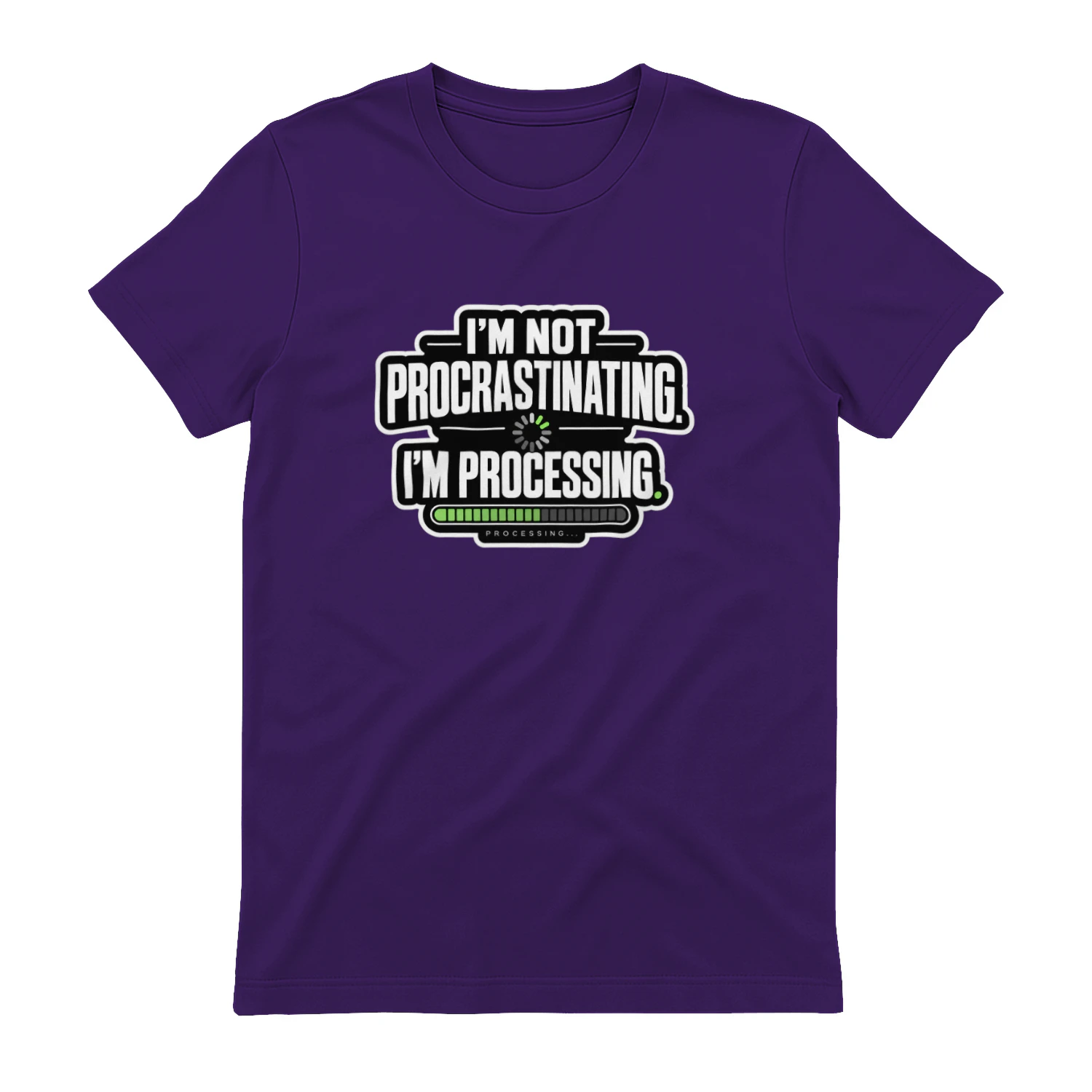
I'm Not Procrastinating. I'm Processing.
A progress-bar design for anyone who insists the pause is part of the process. “I’m Not Procrastinating. I’m Processing.” turns creative delay into a clean tech joke for writers, designers, creators, developers, and deep thinkers everywhere.
Artlist
Music, footage and creative assets for video-first creators.