
Mode breakdown
Why a single upload changes the podcast workflow
Tom Buck’s tutorial is built around a problem that video podcasters recognize quickly: once a show has both audio and video, distribution can get messy. Audio can go everywhere. Video usually cannot. That means more uploads, more platform-specific steps, and more chances for a finished episode to sit half-published while the creator handles the plumbing.
Buck’s direct answer is straightforward. If you already host your podcast in Buzzsprout, you can upload one video file and let the service distribute the right version to the right places. Audio-only directories get audio. Video-enabled destinations get video. For the creator, the point is not to create a new content type for its own sake. It is to avoid duplicating a job that has already been done once.
That framing is what makes the video useful. It does not pretend that video podcasting is effortless. Buck is clear that making a video episode is still more work than making an audio-only episode. But once the episode exists, the workflow should not punish you with extra administrative steps. The whole argument is about reducing friction after the creative work is complete.
Claiming the show before turning on video
Buck walks through the setup in a way that reflects the order matters. Before video can be enabled on Spotify, the show has to be claimed. In his example, that starts with adding an email address to the RSS feed if it is not already there. Then the creator logs in to Spotify for Creators, pastes the RSS feed, and claims the show there.
In Buck’s walkthrough, Spotify recognizes the show and sends a verification email. He notes that creators may also be asked for basic show details such as country, language, and categories. That part of the process is worth paying attention to because it is not just bureaucracy. It is the point where the show becomes easier for Spotify to understand as a catalog entry, and Buck suggests that filling in those details may help the show fit into Spotify’s recommendation system.
After the show is claimed, Buck returns to Buzzsprout and confirms that the podcast has been claimed on Spotify. Only then does he move to the video setting. That sequence matters because it shows the real workflow: Spotify claim first, then platform-side video activation, then distribution through Buzzsprout.
Buck also emphasizes that the change may not happen instantly. In his example, the enablement can take anywhere from a few minutes to a couple of hours, and some older episodes may take longer to appear in video form. He says his own catalog took a day or two to fully transition. That matters for anyone expecting a switch-flip result. The convenience is in the setup, not in pretending platform sync is immediate.
What Buzzsprout does after you enable video
Once video is enabled, Buck’s main point is that the system handles the split for you. New video episodes go out as video to supported destinations and as audio to audio-only directories. On platforms where both versions are available, listeners can choose which one they want.
He also points out another useful detail: if a creator already has audio-only episodes on Spotify and later replaces those files with video versions in Buzzsprout, the audio distribution does not stop. The same episode can still travel as audio to audio-only directories while also being sent as video to video-capable ones. In other words, adding video does not force a creator to rebuild the whole catalog from scratch.
That is probably the most practical part of the video. Many podcasting tools are sold as if the hardest part is creating content. Buck treats publishing logistics as the real bottleneck. If a creator can convert an existing archive and keep the audio side intact, then the migration to video becomes much more realistic.
There is also a subtle strategic point here: Buck is not recommending that creators replace audio with video. He is showing how a show can support both at once. That is a better fit for most established podcasts than a total reset, especially if the show already has an audience that expects the audio feed to continue working everywhere.
Spotify vs. YouTube: different jobs, not a binary choice
A large part of Buck’s video is spent on a question creators usually ask once video enters the picture: should it live on Spotify or YouTube? His answer is not either/or. He argues that both platforms have a role, but they serve different purposes.
In his view, YouTube remains the stronger discovery platform. It reaches beyond the app itself and can pull in viewers from the broader web. Spotify, by contrast, is more self-contained, even if it has its own recommendation system. Buck describes Spotify’s recommendations as decent, but still more contained within Spotify’s ecosystem.
He also notes a playback difference that matters for long-form podcasting: Spotify has background listening enabled by default, while YouTube background listening is tied to YouTube Premium. For podcast creators, that changes the use case. A viewer may not sit and watch every minute of a long episode anyway. They may listen in the background and check in visually when something catches their attention.
Buck’s comparison is most persuasive when he keeps it practical. He is not saying one platform is inherently better. He is saying that creators should not treat platform choice like a purity test. If the episode already exists in video form, it makes sense to make it available where people already consume podcasts, while still recognizing that YouTube plays a different discovery role.
Why simplification matters for creators who want to keep publishing
The strongest idea in the video is not about Spotify alone. It is about workflow design. Buck keeps returning to the same principle: when creative production already takes effort, distribution should not add avoidable drag. The less time spent manually separating audio and video versions, the more likely a creator is to keep publishing consistently.
That is especially relevant for podcasters who have already made the leap into video. A video episode is not just an audio file with a picture attached. It usually requires more recording setup, more editing, and more decisions after export. If that episode then has to be uploaded in multiple versions to multiple services, the workload can quickly become the thing that slows the whole project down.
Buck’s tutorial offers a cleaner path: claim the show, enable video, and let the host handle the split distribution. It is not magic, and it is not instantaneous. But for creators trying to keep a podcast manageable, that kind of reduction in manual work can be the difference between a workflow they maintain and one they abandon after a few episodes.
For podcasters deciding how to grow a show that already has video assets, the lesson is simple. Use the tools that keep the archive usable, keep the audio feed alive, and make the video version show up where it can do some work. Buck’s video is less a platform endorsement than a reminder that distribution should support the creative process, not crowd it.
Recommended next
Products & tools
One Mode Digital Media product and one relevant affiliate recommendation selected for this page.
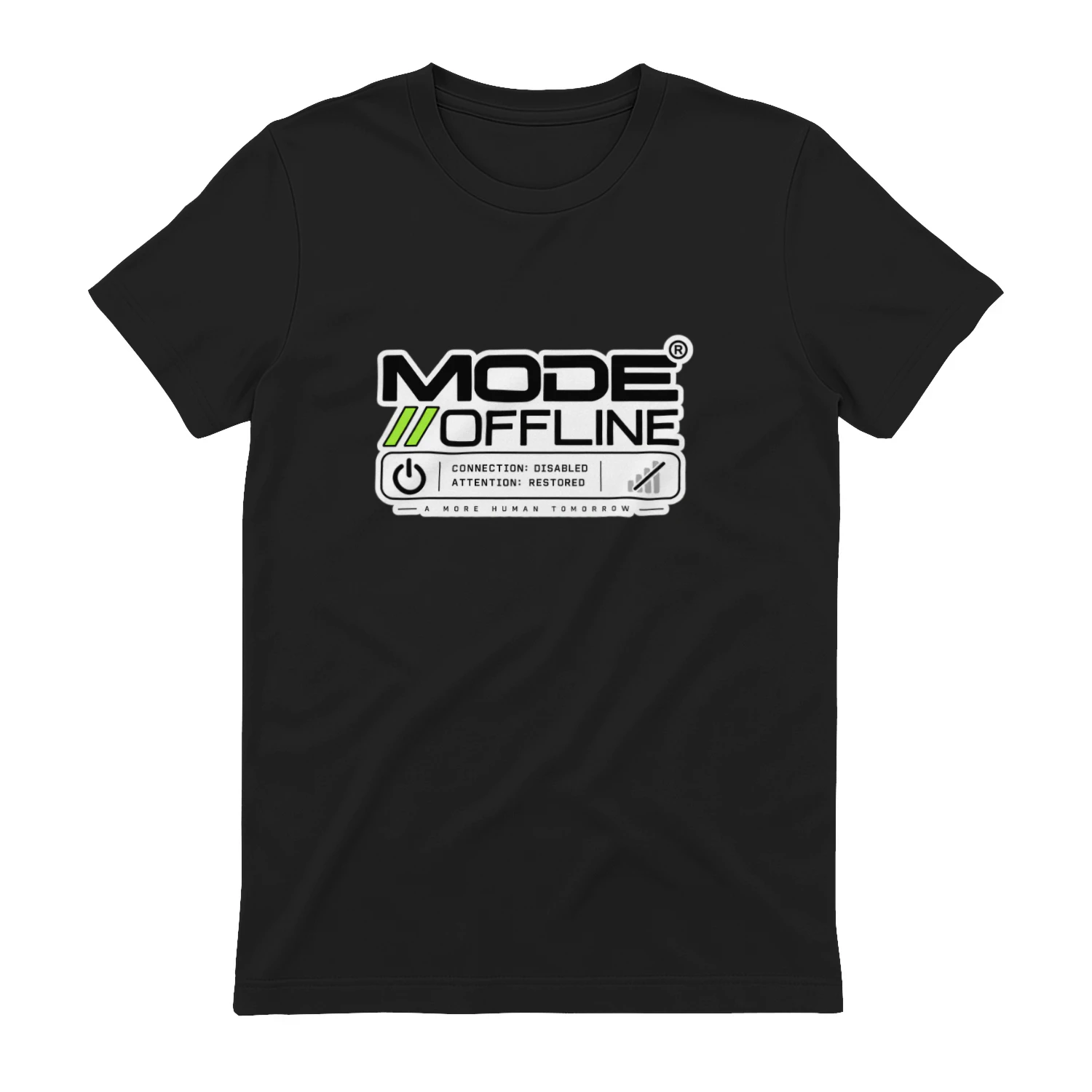
Mode // Offline
A premium Mode Digital Media statement for the moment the connection goes down and your attention comes back. “Mode // Offline” pairs clean technical styling with “Connection: Disabled. Attention: Restored.” for anyone who values a deliberate break from the feed.
LearnWorlds
Course-building and learning-platform tools for creators and businesses selling education online.