

Mode breakdown
Why Hostinger feels crowded at first
Hostinger’s lineup can look like a product maze if you land on it as a first-time buyer. In Darrel Wilson’s walkthrough, the confusion comes from the fact that Hostinger does not sell just one thing. It sells hosting, website builders, and specialized setups, and those categories overlap in ways that are easy to misunderstand. Wilson’s basic point is simple: if you mix up those layers, you can end up paying for power or flexibility you do not actually need.
That framing is the value of the video. Instead of treating every Hostinger label as if it were a totally separate hosting plan, Wilson sorts the platform into three groups and uses that structure to explain what each option is really for.
The first split: hosting power vs website-building tools
The most useful distinction in the video is between the infrastructure and the builder.
Wilson explains that Hostinger’s actual hosting includes web hosting, cloud hosting, and VPS hosting. Those are the server-side choices. They determine how much resource your project gets and how much control you have over the environment behind it.
Then come the website-building platforms: WordPress, Hostinger’s AI website builder, Hostinger Horizons, and Node.js. These are not separate hosting types in Wilson’s telling. They are the ways you create and manage the site that runs on the hosting you choose.
That separation keeps the rest of the video from turning into a specs dump. A beginner may think WordPress is a hosting plan, for example, when in Wilson’s explanation it is a platform you can use on a plan. Likewise, Hostinger Horizons is not just another tier of server capacity. It is a prompt-driven way to build more custom sites or apps. Once that clicks, the lineup becomes easier to navigate.
When web hosting is enough, and when the other tiers make sense
For most people, Wilson recommends starting with web hosting, especially if the website is the first one they are building. His reasoning is practical: Hostinger handles the server environment for you, so you do not need to manage the operating system, install server software, or deal with administration tasks.
Within that web hosting category, he points to the unlimited plan as the best fit for most users. In the video, he ties that recommendation to a mix of storage, server resources, daily backups, and enough room to host multiple websites. He also notes that the cloud startup tier adds more resources, backups on demand, and a dedicated IP address, but says most beginners will not need that immediately.
That tradeoff is the heart of the advice. Wilson is not saying cloud hosting is overkill in general. He is saying it becomes more relevant when a site needs more horsepower than basic managed hosting can comfortably provide. He uses examples like a busy e-commerce store, a membership site, or a high-traffic blog to show the kinds of projects that can justify the move.
VPS hosting sits at the more technical end of the spectrum. Wilson describes it as giving you root-level access and much more control over the server. He says it can be used for automation tools, custom SaaS applications, game servers, Python and Node.js projects, private databases, and self-hosted AI agents. The benefit is flexibility. The cost is responsibility. If you are just trying to publish a WordPress site or a business homepage, he makes clear that VPS is probably more work than you need.
How the builders fit around the hosting choice
Once the hosting layer is clear, Wilson turns to the tools you actually use to make the site.
WordPress is the option he treats as the most flexible. He highlights its huge ecosystem of themes and plugins and points out that it works well for business sites, blogs, portfolios, and stores. The tradeoff is maintenance. More flexibility usually means more setup and more updates.
Hostinger’s AI website builder, by contrast, is presented as the fastest route for beginners. Wilson shows how a user can describe the kind of site they want, then let Hostinger generate the layout, text, images, colors, and sections. After that, the builder allows editing by clicking into content, changing visuals, moving sections, and adding pages or features. In his framing, this is a strong option for a local business or a smaller online shop when speed matters more than deep customization.
Hostinger Horizons occupies a different lane. Wilson describes it as closer to vibe coding than to a traditional drag-and-drop builder. Instead of assembling pages section by section, the user prompts the system to create a site or web app with features such as logins, reservations, dashboards, or custom interactions. He presents it as a better fit when the project needs more than a brochure-style website, but still does not require a fully hand-built deployment.
Node.js is the most developer-oriented option in the lineup. Wilson says it is for people who already have a coded project and want to deploy it through Hostinger, whether by connecting a repository or uploading project files. It is the least beginner-friendly path in the group, but it makes sense if the work already exists outside the platform.
The HPanel is where the product sprawl becomes manageable
A big part of Wilson’s walkthrough happens after purchase, when he shows how Hostinger’s HPanel works. His explanation is worth paying attention to because it turns the platform from a list of services into a place you can actually manage.
He describes HPanel as the dashboard for your account, where you handle websites, hosting plans, domains, professional email, backups, and related Hostinger services. Inside it, you can add another website and choose a different build path later, even if you started with the AI website builder. That point matters because it reduces the fear of making the “wrong” first choice.
In other words, the first selection is not a permanent identity for the account. Wilson shows that you can create one site with Hostinger’s AI builder and later add another with WordPress or Horizons under the same eligible plan. That flexibility softens the pressure around the initial purchase and makes the platform easier to approach as your needs change.
The cleanest decision path for a first-time buyer
Wilson’s closing logic is straightforward: do not start by asking which Hostinger product sounds most advanced. Start by asking what kind of site you are building and how much control it really needs.
If you want the simplest starting point for a first website, he points to unlimited web hosting. If you want maximum flexibility and room to expand, WordPress is his preferred builder. If you want to publish fast with the least setup, the AI website builder is the easiest path. If your project needs interactive features or custom application logic, Horizons becomes more relevant. If you already have code, Node.js is the sensible route. If your site has outgrown basic shared resources, cloud hosting becomes worth the upgrade. If you need direct server control and know how to manage it, VPS is there.
That is the real usefulness of the video. It does not just list Hostinger’s products. It gives you a way to separate the layers so you can buy the layer that matches your project instead of the one with the most impressive name.
Recommended next
Products & tools
One Mode Digital Media product and one relevant affiliate recommendation selected for this page.
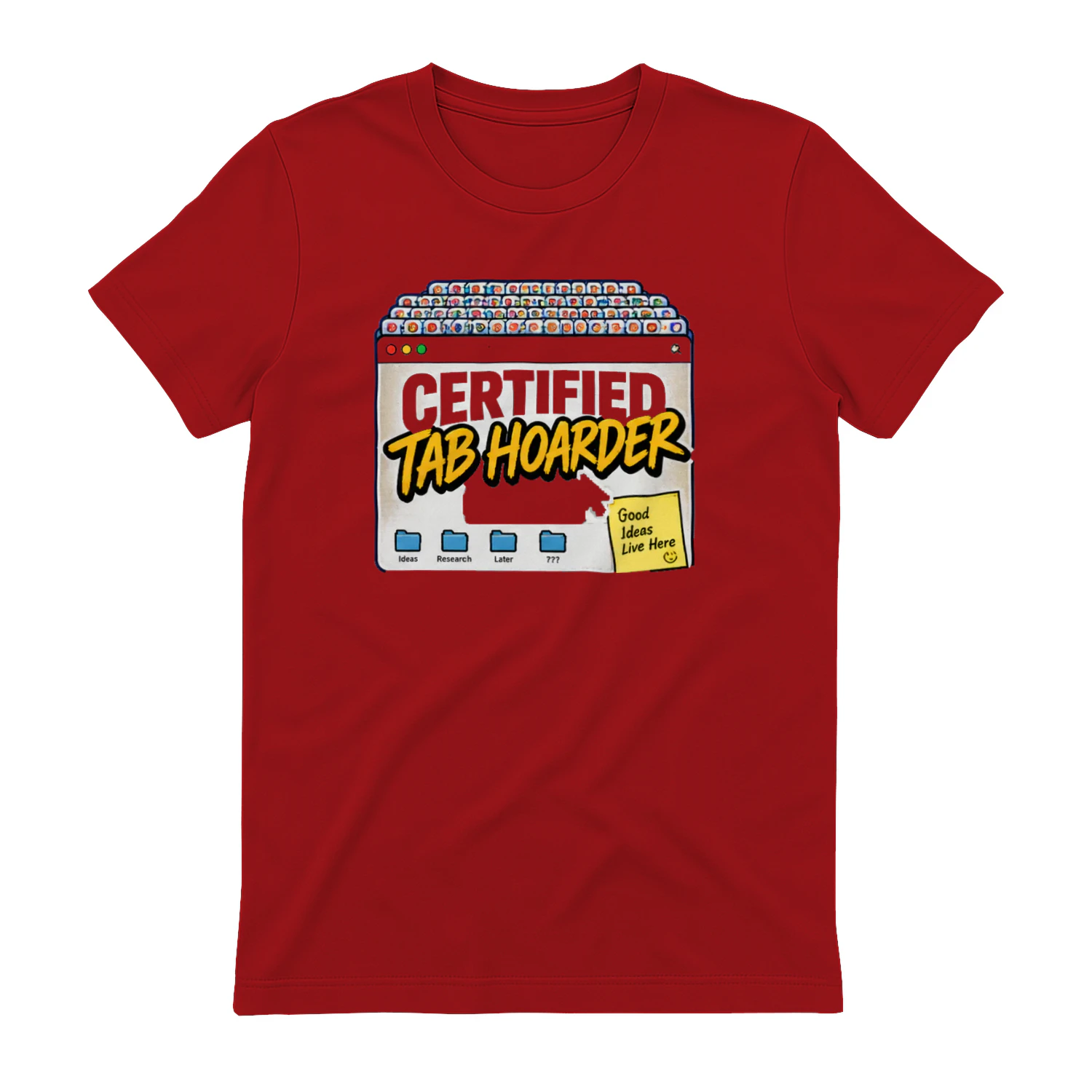
Certified Tab Hoarder
A chaotic browser-window design for people who refuse to close a tab because they might need it later. “Certified Tab Hoarder” is made for researchers, creators, remote workers, students, and anyone whose browser looks more like a filing cabinet than a window.
Hostinger
Hosting and website infrastructure for creators and small teams.