
Mode breakdown
Why this workflow matters for Divi users
Darrel Wilson’s tutorial is aimed at a simple frustration many WordPress builders recognize: AI can make something that looks like a website, but that does not always mean the result is easy to use inside a real builder. His answer is a workflow that starts with Claude generating the design and ends with the page rebuilt as native Divi elements inside WordPress.
That is the practical point of the video. Wilson is not just chasing speed for its own sake. He is trying to preserve editability. Instead of dropping in an HTML shell and calling it done, he wants the final page to live inside Divi sections, rows, modules, text blocks, buttons, images, spacing controls, and theme builder areas that can be adjusted later.
He says the conversion can happen in only a few minutes once everything is set up, although the surrounding setup took him longer to prepare. The promised payoff is not a generic AI website draft. It is a site that still behaves like a Divi project after Claude has done the heavy lifting.
How the conversion is assembled
Wilson’s workflow begins with a reference design. In the video, he first creates a screenshot concept of a creative real estate site, then generates matching images from that screenshot. He then uploads the screenshot and the images into Claude and asks it to rebuild the design in WordPress using Divi.
The important detail is that he is not asking Claude to improvise from nothing. He gives it a visual target and then uses a prompt plus a Divi-specific skill to steer the output toward native builder components. That combination is what he says makes the process work.
He also separates the workflow into two stages: the AI-generated HTML layout and the later conversion into Divi elements. After Claude generates the site, he downloads the HTML file and keeps the images separate so they can be uploaded manually into WordPress. That lets the media live on the server rather than being trapped inside the HTML file itself.
Wilson’s setup also includes NovaMirror, which he treats as the bridge between Claude and the WordPress install. In the video, he describes NovaMirror free as the connection layer and NovaMirror Pro as the toolset that gives Claude more capability when it comes to Divi’s underlying structure.
The prompt itself is another major ingredient. He repeatedly emphasizes that the prompt is the result of a lot of testing and refinement. In practical terms, the workflow depends on three things working together: the visual reference, the Divi skill, and the prompt that tells Claude how to map the design into the builder.
What the free and Pro setups change
One of the more useful parts of the video is Wilson’s breakdown of the four possible setups. He does not present them as identical paths with different labels. He treats them as distinct tradeoffs in control, reliability, and effort.
With Claude plus NovaMirror free, the idea is that Claude can read the HTML, CSS, images, and overall design and then try to build the page inside WordPress. Wilson frames this as workable for simpler landing pages or occasional conversions, but he also says it can require more trial and error because Claude has to infer more of Elementor’s structure on its own.
Adding a Claude skill to the free setup gives the model a repeatable conversion process. That makes the workflow more controlled and helps steer it away from shortcuts that would hurt editability. Wilson presents this as a good path if someone wants to build and maintain their own HTML-to-Builder routine.
NovaMirror Pro changes the balance again. In his explanation, Pro gives Claude more specialized element knowledge and better tools for inspecting and editing the page structure. He frames that as especially useful for more complex websites or client work because it reduces the amount of guesswork.
The most capable version, in Wilson’s telling, is the Claude skill combined with NovaMirror Pro. The skill handles the overall method. Pro handles the builder-level work. That pairing is what he describes as the strongest route when reliability matters.
He also makes a practical claim here: even the free route can reach a full conversion in some cases. But he is careful to separate possibility from average performance. That matters because the video is not selling a fantasy of one-click perfection. It is showing the setup that gave him the best odds of a clean result.
Where the workflow still needs human cleanup
Wilson’s demo is successful, but it is not framed as automatic in the magical sense. A few rough edges remain, and he points them out rather than pretending the result is flawless.
One issue is layout cleanup. He notes that flexbox sometimes does not apply the way he wants inside Divi, even when his skill instructs Claude to use it. That means the builder can still need manual adjustment after the AI conversion.
He also finds an unexpected section in the finished page and deletes it. That detail is useful because it shows the difference between a plausible build and a finished build. Claude and the conversion tools get the page very close, but the human still needs to check for stray elements, styling oddities, and anything that landed in the wrong place.
The theme builder check is another example of that review process. Wilson opens the header and footer templates to confirm that they are using Divi elements rather than a hidden HTML block. For him, that is the real test. A site that looks right but is hard to edit is only half done. A site whose header, footer, and sections are native to the builder is much easier to maintain later.
That is the strongest editorial takeaway from the video. The point of the workflow is not just to get a page on screen quickly. It is to avoid the usual trap where AI output becomes a maintenance problem the moment a client asks for a change.
Why native modules beat a pasted HTML shell
A lot of AI website workflows stop at appearance. Wilson’s version keeps going until the design is translated into the actual parts a WordPress user expects to edit.
That shift matters because the page becomes understandable inside Divi. Text can be changed as text. Images can be swapped as images. Spacing and structure can be adjusted in builder terms instead of by editing a large blob of HTML. In other words, the output is more useful precisely because it is less like a one-off export.
Wilson’s own conclusion is straightforward: this is the fastest and most successful method he has tested for turning an HTML design into native Divi elements with Claude. The speed is attractive, but the bigger advantage is that the build still belongs inside the Divi ecosystem once the conversion is over.
For freelancers, that could mean a faster first draft that is still client-editable. For site owners, it could mean fewer headaches when they want to revise copy, swap visuals, or refine layout later. And for anyone experimenting with AI-assisted WordPress work, it is a good example of the right question to ask: not just “Can the AI make the page?” but “Can I still work with it afterward?”
Recommended next
Products & tools
One Mode Digital Media product and one relevant affiliate recommendation selected for this page.
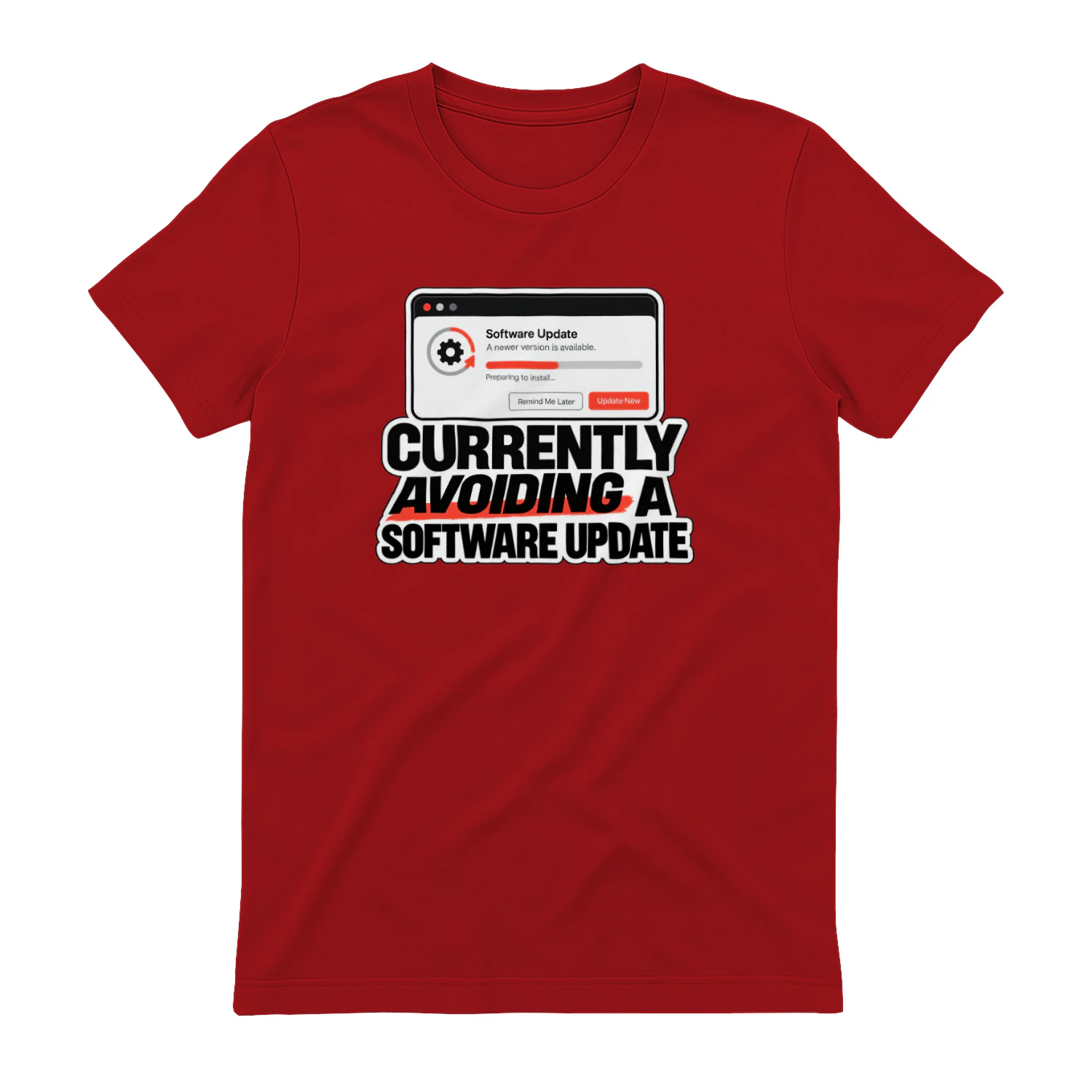
Currently Avoiding a Software Update
A minimalist system-alert design for anyone who has clicked “Remind Me Later” more times than they can count. “Currently Avoiding a Software Update” turns a universal tech habit into clean, wearable humor for computer users, creators, and professional procrastinators.
LearnWorlds
Course-building and learning-platform tools for creators and businesses selling education online.