
Mode breakdown
Why this test is worth paying attention to
Tom Buck’s video is not trying to prove that every podcast should switch to a single-box production setup. It is testing a narrower question: can the OBSBOT Talent 2 handle the core jobs that usually get split across a switcher, recorder, capture workflow, and camera routing plan? His answer, based on a little over a month of use, is essentially yes for multicam podcasting and recording, with a few caveats that matter more than the headline specs.
The most useful thing about the video is the way it treats the Talent 2 as a workflow tool rather than a spec sheet object. Buck is not just asking whether it records in 4K or supports many sources. He is asking whether it makes a podcast setup easier to run, easier to edit, and easier to keep consistent once the cameras, mics, and guests are all in place.
What the Talent 2 changes before the cameras even roll
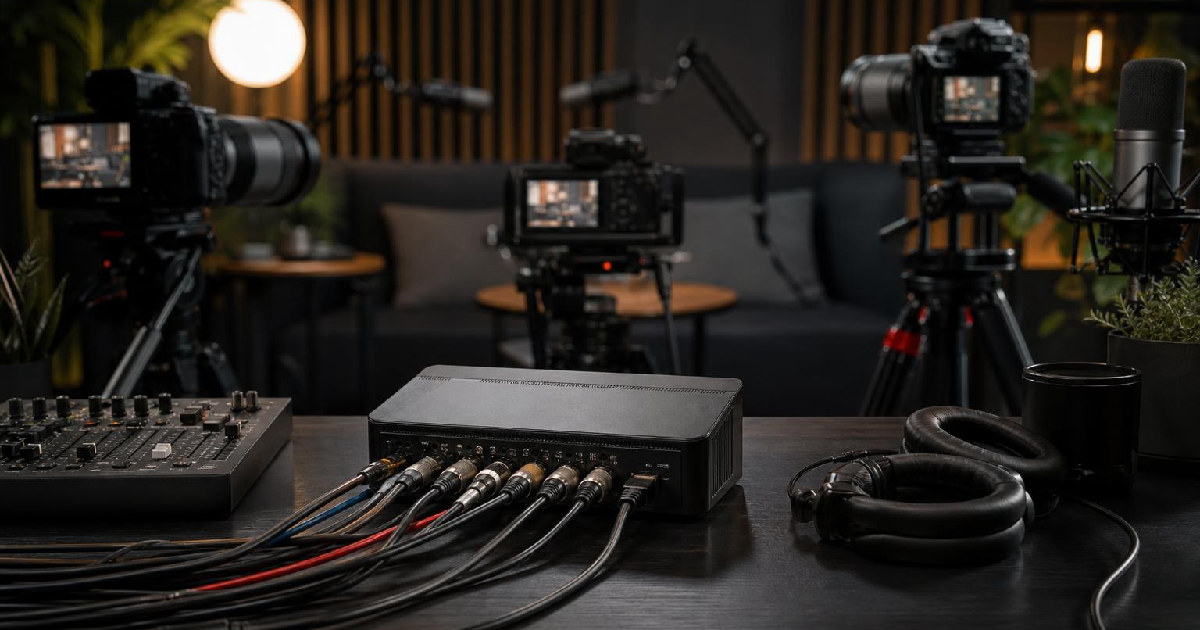
One of the first points Buck makes is physical: the Talent 2 is compact, but it is packed with the kind of connectivity and accessory support that signals a production-first device. He contrasts it with the original Talent and notes that the newer model steps up in size, capability, connectivity, graphics, and scene options.
From his walkthrough, the practical draw is flexibility. He shows HDMI inputs, USB input, Ethernet, dual HDMI outputs, microphone and headphone connections, microSD recording, and support for external storage. He also points out that the device includes dual battery slots and can run on power with a locking connector. That combination matters because it gives a creator options for both fixed setups and portable work.
Buck also spends time on the included accessories, and that is one of the more revealing parts of the video. The stand can be attached without disconnecting his existing setup, and he treats that as a genuinely useful design choice. If a device is meant to stay at the center of a live or recorded workflow, forcing a teardown every time you add support gear is friction nobody wants. The sun shade, labeled antennas, and screen cover all reinforce the same point: this is built like something intended to live on a production desk.
The setup choices that make multicam easier
Buck’s strongest examples come from the way he builds the podcast workflow. He is using three Sony mirrorless cameras in his main demo, plus the Talent 2 acting as the control and switching point. The appeal here is not that every source is identical. In fact, he deliberately mixes different cameras and even different resolution paths to show how forgiving the system can be when configured with intention.
That flexibility is where the OBSBOT Talent 2 workflow starts to stand out. Buck says the unit supports four HDMI inputs, with the first two capable of 4K and the second two limited to 1080. He also notes that the HDMI outputs can be assigned to different signals, such as program or multiview, and that the USB output can be used as well. For a creator trying to simplify a desk full of gear, that kind of routing matters more than a marketing line about source count.
He also highlights the role of the network side of the device. The Talent 2 can work across Wi-Fi, Ethernet, and mobile connectivity, and Buck frames that as part of why the box feels so capable. Even though his demo uses mostly physical connections, he points out that the system can expand into networked sources and that the source count climbs substantially once those are included.
That said, his video is careful not to romanticize automation. He likes the idea of video-follow-audio switching, but he also shows where it becomes more complicated. The feature works best when each speaker has a separate audio source. In his demo, both voices are routed into a single source, so he keeps switching manually. That is a good example of the kind of tradeoff creators need to understand: a feature can be powerful without being the right fit for every setup.
Why audio routing matters more than people expect
If there is a single place where Buck’s video becomes especially practical, it is audio. He makes the point that the Talent 2 can accept audio over HDMI, which lets him bring microphone audio in through his camera chain rather than dedicating separate audio hardware directly to the switcher. That makes the setup easier to manage, but only if the rest of the signal flow is planned carefully.
He is also explicit about muting unused audio sources so they do not interfere with the podcast feed. That is the kind of housekeeping detail that gets ignored in product summaries, yet it is exactly where a real production can go wrong. A device can have strong audio features and still require the user to think through source assignments, overlap, and fallback behavior.
Buck’s explanation of video follows audio is one of the clearest parts of the video. He notes that it is convenient to have a toggle for turning the feature on and off without digging through menus. He also explains why he does not use it fully in the demo: because the two microphones feed one receiver, the system cannot treat them as separate speaker sources. That limitation is not a flaw in the device so much as a reminder that automation only works as well as the structure behind it.
For podcasters, that means the Talent 2 is less like a magic recorder and more like a very capable hub. If your show depends on distinct guests, separate mic paths, and predictable camera behavior, it can save a lot of setup time. If your audio is pooled together too early, some of the smartest switching tools become less useful.
What the mock podcast actually proves
The demo podcast segment is where the video stops being abstract. Buck and his guest run through a real conversation while the Talent 2 handles the switching, recording, and source management. The result is a useful proof point: this does not feel like a lab exercise. It feels like a plausible small-studio workflow.
He also makes a point about quality that is easy to miss if you only look at the equipment list. One of the inputs is a PTZ-style camera connected through USB, while another source is routed through a 1080 path despite being a 4K-capable camera. His argument is not that resolution numbers are meaningless. It is that image quality depends on the whole source chain. A good camera at 1080 can still beat a weaker consumer camera at 4K.
That is really the core lesson of the video. The OBSBOT Talent 2 can absolutely sit at the center of a multicam podcast workflow, especially for solo creators or small teams who want fewer moving parts. But it works best when you treat it as a system, not a shortcut. The device can consolidate switching, recording, and routing, yet it still rewards thoughtful camera choices, separate audio paths, and clear decisions about when automation should be active.
For creators trying to reduce complexity without sacrificing control, that is the real draw. Buck’s month with the Talent 2 suggests that a compact production box can cover a lot of ground, so long as you are willing to plan the workflow around what it actually does well.
Recommended next
Products & tools
One Mode Digital Media product and one relevant affiliate recommendation selected for this page.
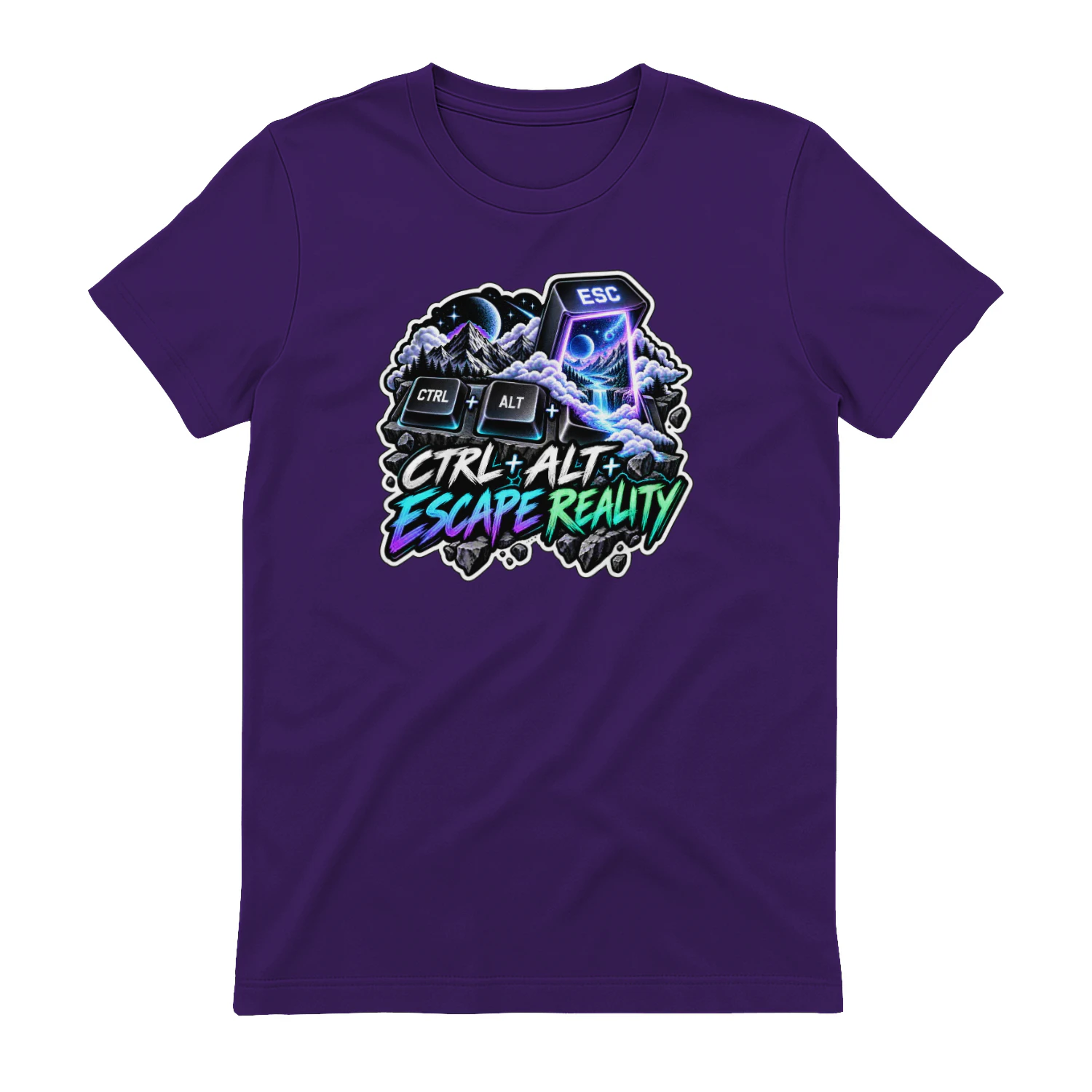
Ctrl + Alt + Escape Reality
A surreal keyboard design built around the ultimate digital shortcut: “Ctrl + Alt + Escape Reality.” A glowing portal turns the Escape key into a way out for gamers, tech fans, creators, dreamers, and anyone ready to leave the ordinary screen behind.
Artlist
Music, footage and creative assets for video-first creators.