
Why the admin bar is useful and annoying
WordPress’s admin bar is convenient when you are editing a site and inconvenient when you are trying to look at the site like a visitor. It takes up space, changes the viewport, and can make a page look slightly different from the public experience.
The new official WordPress Browser Extension solves that small but repeated problem.
What the extension changes
WordPress says the extension can hide the admin bar while keeping useful shortcuts available in the browser toolbar. It also provides quick access to WordPress sites and includes tools aimed at developers and content creators.
That means a creator can move between viewing and managing a site without logging out simply to remove the interface.
Why designers benefit
Anyone checking responsive layouts, headers, sticky elements, or above-the-fold spacing knows that the admin bar can distort the page being reviewed. Hiding it makes visual QA more representative of what a normal visitor sees.
The benefit is modest on one page. Across dozens of reviews every week, the friction adds up.
Quick access across multiple sites
Creators and agencies often manage more than one WordPress installation. Keeping site shortcuts in the browser can reduce the repeated process of finding dashboards, bookmarks, or login pages.
That is especially useful for people moving between a personal site, client sites, landing pages, and content properties throughout the day.
The bigger WordPress workflow trend
The browser extension fits the same direction as WordPress 7.1: improve the small actions people repeat constantly. Better navigation, responsive controls, media work, collaboration, and browser access are not flashy features, but they reduce the time between seeing something and fixing it.
For creators, that can matter more than another major interface redesign.
Small workflow tools can matter when they remove constant interruption
A browser extension does not need to save hours at once to be useful. WordPress users often move between the public site, the admin area, page previews, multiple properties, and browser tabs throughout the day. A shortcut that removes a few repeated clicks can add up when that movement happens dozens of times.
The best way to evaluate the extension is to use it during normal publishing rather than treating it as a separate product. Open a draft, preview a page, switch to another WordPress site, inspect the public view, and return to administration. If the extension makes those transitions more predictable, it has solved a real problem.
Designers should also pay attention to the ability to hide the admin bar. Seeing the page closer to the visitor's view makes spacing and responsive review easier without changing login state. Developers managing several environments can similarly benefit from clearer shortcuts, as long as production and staging sites remain easy to distinguish.
The extension is a small release, but it reflects a useful product principle: creator software does not always need a major AI feature to improve. Removing repetitive friction from the tools people already use can have just as much day-to-day value.
Multi-site users may feel the benefit most
The extension becomes more useful as the number of WordPress properties grows. A creator with one site may save a handful of clicks. An agency, publisher, or network operator moving between many dashboards can repeat those same clicks hundreds of times in a week.
That makes site identification important. Shortcuts should make it easier to move quickly without increasing the risk of editing the wrong environment. Clear naming, recognizable favicons, and an obvious distinction between staging and production remain useful even when navigation becomes faster.
Teams can also pair the extension with a lightweight operating routine: open the property, confirm the environment, make the change, verify the public result, and then move on. The tool reduces friction without removing the verification step.
This is a small example of a larger creator-software lesson. Mature workflows often improve through dozens of tiny reductions in friction. Those improvements are less exciting than a major feature launch, but they can have a larger effect on the work people repeat every day.
Small improvements like that are easy to overlook, but they are exactly the kind of friction reduction that scales across a publishing network.
Recommended next
Products & tools
One Mode Digital Media product and one relevant affiliate recommendation selected for this page.
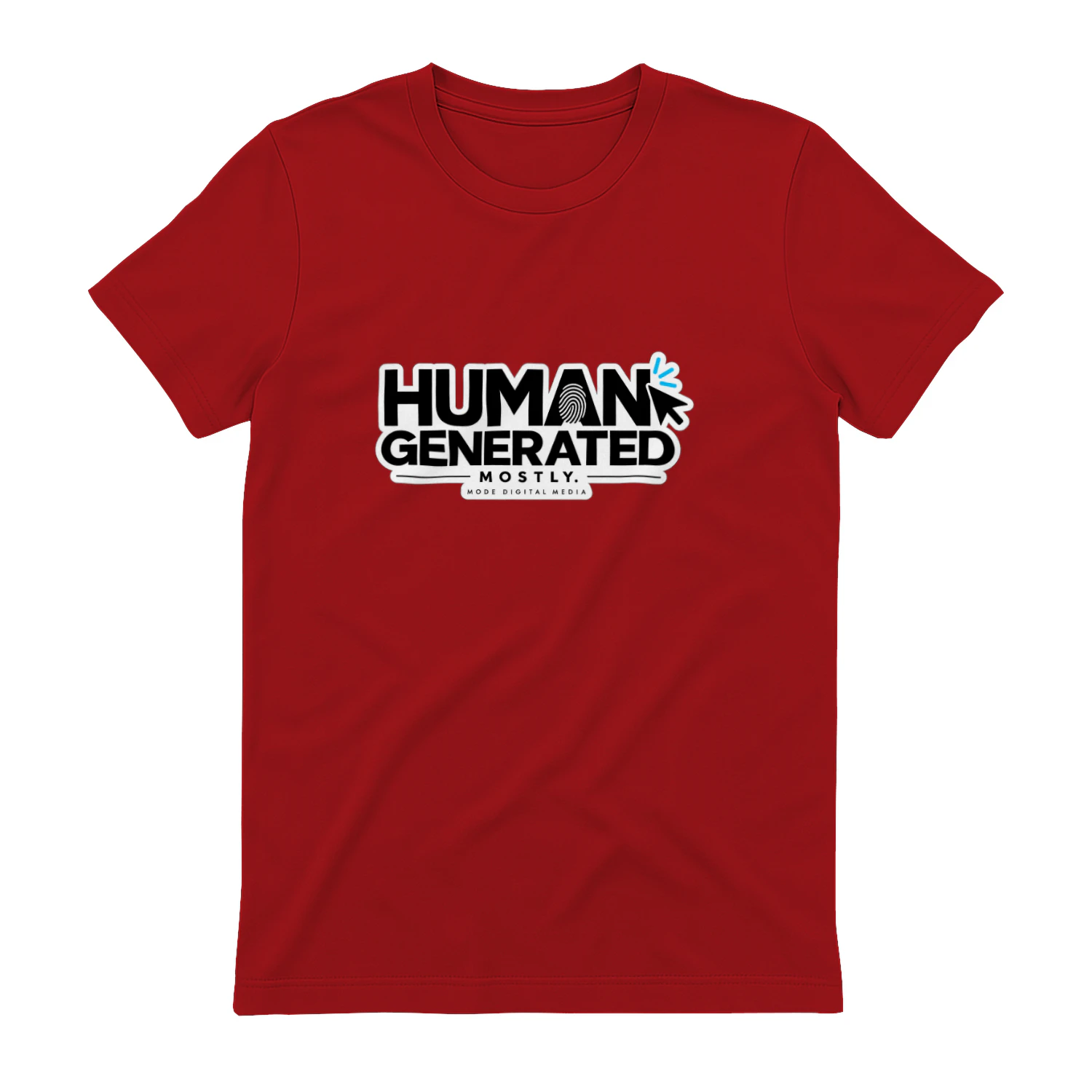
Human Generated. Mostly.
A stripped-down AI-era statement with just enough ambiguity to make the joke land: “Human Generated. Mostly.” It’s a clean piece for creators, writers, designers, developers, and anyone whose workflow now includes a little help from the machines.
Ignition
Proposal, agreement and payment workflows for service businesses that want client onboarding and billing connected.
Original source
Mode adds independent editorial context while preserving a clear path to the original source behind this story.
View original source ↗