
Why this release is about daily work
WordPress 7.1, code-named Mary Lou, is not built around one feature that will dominate screenshots. The release is more practical than that. WordPress is improving the work site owners repeat every day: navigating the admin, controlling responsive designs, editing media, collaborating with other people, and processing images.
That can be more valuable than a dramatic redesign because publishing friction compounds. A creator who saves a few minutes on every edit, upload, review, and responsive adjustment eventually saves hours.
Responsive design gets easier to manage
Responsive styling is one of the areas WordPress continues to push forward. Site owners increasingly build layouts that need to adapt across phones, tablets, laptops, and wide desktop screens. The challenge is not making one page look good once. It is controlling how design choices behave across breakpoints without creating a mess of overrides.
WordPress 7.1 adds more flexible responsive styling controls, giving builders additional ways to manage those variations inside the platform. For creators using the block editor, that can reduce dependence on extra CSS or page-builder workarounds for common responsive adjustments.
Media and collaboration improvements matter for publishers
The redesigned media editor and image-processing improvements are especially relevant to content-heavy sites. Creators constantly crop, resize, upload, replace, and optimize images. Any improvement to that workflow touches almost every story, tutorial, product page, and landing page the site publishes.
WordPress is also improving Notes with mentions and inline feedback, which pushes collaboration closer to the content itself. That matters for small teams because feedback often happens everywhere except the page being edited: Slack, email, screenshots, task comments, and meetings. Bringing more review context into WordPress can shorten that loop.
The new browser extension fits the same theme
A few days before WordPress 7.1, the project also released an official browser extension for Chrome, Chromium-based browsers, and Safari on macOS. The extension can hide the WordPress admin bar while keeping useful shortcuts in the browser toolbar, provide quick access to WordPress sites, and offer tools aimed at developers and content creators.
It is a small product compared with a core release, but it points in the same direction: reduce the distance between the page a user is viewing and the next action they need to take. For designers, hiding the admin bar also makes it easier to see a page closer to how a visitor sees it without logging out.
How to approach the update
A major WordPress release still deserves a normal update process. Back up the site, verify plugin and theme compatibility, test important forms and checkout flows, and make sure custom code behaves as expected. If the site is business-critical, staging is still safer than updating production first.
The broader takeaway is that WordPress 7.1 is focused on making the platform easier to work in, not reinventing what WordPress is. For creators and small teams who spend hours every week inside the dashboard, that kind of release can be more meaningful than a single flashy feature.
What creators should test on staging first
Because WordPress 7.1 touches several everyday workflows, a useful staging review should look beyond whether the homepage still loads. Test the tasks that people repeat: create and edit a post, upload and crop an image, adjust a responsive layout, review a page with another user, update a plugin, submit a form, and check the site's most important custom templates.
Creators who rely on page builders or large plugin stacks should pay particular attention to editing behavior and responsive output. A core update can be technically compatible while still changing spacing, controls, or editor behavior enough to disrupt a familiar production process.
The browser extension is also worth evaluating as a workflow tool rather than a novelty. If it reduces the small interruptions involved in switching between the public site and administration, that benefit compounds for people who manage multiple WordPress properties.
The common theme is operational friction. WordPress 7.1 does not need one blockbuster feature to matter if dozens of ordinary publishing actions become a little cleaner and more predictable.
For teams managing several sites, documenting that staging checklist once can turn future WordPress updates into a repeatable process instead of a fresh troubleshooting exercise every time.
Recommended next
Products & tools
One Mode Digital Media product and one relevant affiliate recommendation selected for this page.
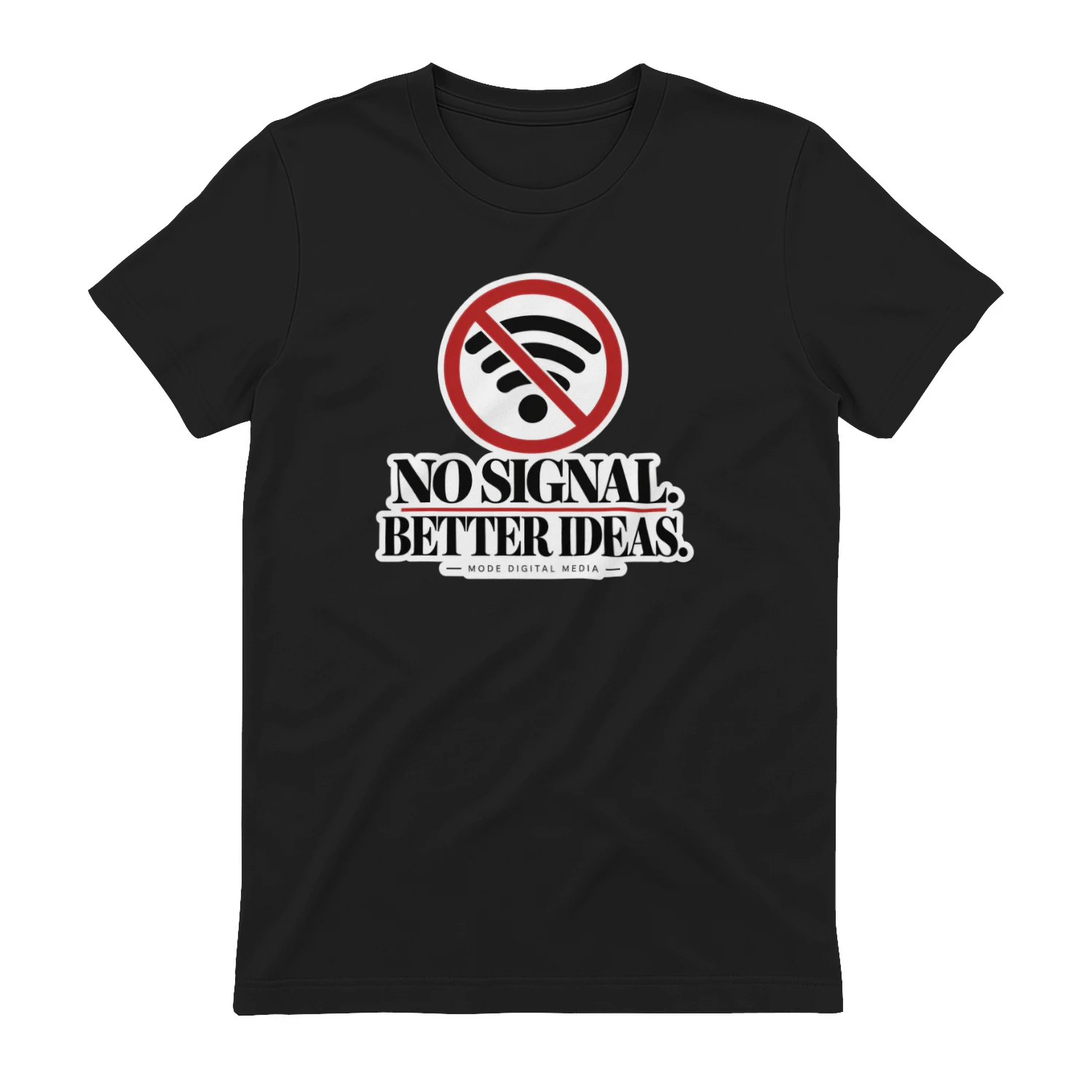
No Signal. Better Ideas.
A clean crossed-out Wi-Fi design built around the idea that disconnecting can make room for better thinking. “No Signal. Better Ideas.” is made for creators, travelers, writers, and anyone who sometimes needs less connection to find more inspiration.
Cerri
Project and work-management software for teams that need clearer planning, ownership and delivery workflows.
Original source
Mode adds independent editorial context while preserving a clear path to the original source behind this story.
View original source ↗