

Webflow is turning Answer Engine Optimization into something that looks much more like a normal marketing workflow. Its AEO product combines visibility in AI answers, LLM bot activity, AI-referred visitor behavior and agent-generated recommendations inside the same platform used to manage the website.
That is an important shift. AEO has often been discussed as a vague extension of SEO: publish useful content, add structured data, hope an AI system cites it, and then try to infer what worked. Webflow is trying to make the process measurable and repeatable instead.
The system is built around a loop: measure how the brand appears in AI-generated answers, identify technical or content opportunities, review recommendations, apply accepted changes and then measure what happens next.
The analytics layer is the real foundation
Webflow AEO analytics looks at three different kinds of evidence. Prompt insights measure whether a brand appears in answers generated by tools such as ChatGPT, Claude, Gemini and Perplexity. LLM bot insights look at how AI crawlers interact with the site. AI-referral analytics track what visitors coming from generative tools actually do after they arrive.
That combination matters because a citation is not automatically valuable. A brand can appear frequently in AI answers without receiving meaningful traffic, and AI-referred visitors can behave very differently from traditional search visitors.
By connecting visibility to on-site behavior, Webflow is trying to answer a more useful marketing question: does being mentioned by AI systems lead to an audience action that matters?
Agents turn measurement into a review queue
The agent layer sits on top of that analytics data. Webflow says AEO agents can scan a site and surface prioritized recommendations involving metadata, schema, alt text and broken links. Content optimization agents can also use visibility data to identify topics where competitors are being cited instead and help create a brief and draft CMS item.
The important safeguard is that these changes are not automatically published. Webflow’s documentation says users can review, edit and apply recommendations before the site changes go live.
That approval boundary makes AEO agents more useful for real teams. Automated recommendations can be fast, but SEO and content changes still need context. A technically correct schema update can be wrong for the page. A generated article can target the right topic while saying nothing useful.
The product is stronger when AI helps build the review queue rather than pretending review is unnecessary.
AEO is not replacing SEO
Webflow’s own documentation presents AEO as closely related to SEO rather than a replacement for it. The fundamentals still overlap: clear page structure, useful titles and descriptions, accurate schema, meaningful alt text, crawlability and content that directly answers the reader’s need.
The difference is that the audience now includes systems that summarize and cite information before a person ever reaches the website.
That makes entity clarity more important. Webflow’s Organization info settings let a team define the brand name, aliases, competitors, people, locations and other context that AEO analytics and agents can use when evaluating how the organization appears in AI results.
For creators and small businesses, this is a useful reminder that AI discoverability is partly a data-quality problem. If the website itself is inconsistent about who the brand is, what it offers and who is associated with it, an AI system has less reliable information to work with.
The catch is plan and credit requirements
Webflow AEO is not a universal free feature. The product requires eligible Team or Enterprise configurations, and some analytics capabilities require the Analyze add-on. Agent actions can also consume Webflow AI credits.
That matters when evaluating the tool because AI visibility can become another recurring software cost rather than a simple checkbox inside the site builder.
Teams should decide what they actually need to measure before paying for a full AEO stack. A smaller creator site may get plenty of value from clean technical SEO, structured data and manual monitoring. A larger organization with many pages, products and markets has a stronger case for automated scanning and prompt-level visibility tracking.
What Mode would test first
The most useful starting point is the analytics layer. Pick a small group of prompts that genuinely represent how customers or readers ask about the brand, then establish a baseline for mentions, citations and AI-referred traffic.
After that, use agent recommendations as experiments rather than commandments. Fix obvious technical issues first. Track what changed. Compare visibility over time. Only then expand into content-generation recommendations.
That keeps the workflow grounded in measurement instead of creating a new kind of content treadmill.
Webflow AEO is interesting because it treats AI visibility as something marketers can instrument, review and iterate on. The product will still be judged by whether those metrics connect to useful business outcomes, but the workflow itself is much more concrete than simply telling teams to “optimize for AI.”
Recommended next
Products & tools
One Mode Digital Media product and one relevant affiliate recommendation selected for this page.
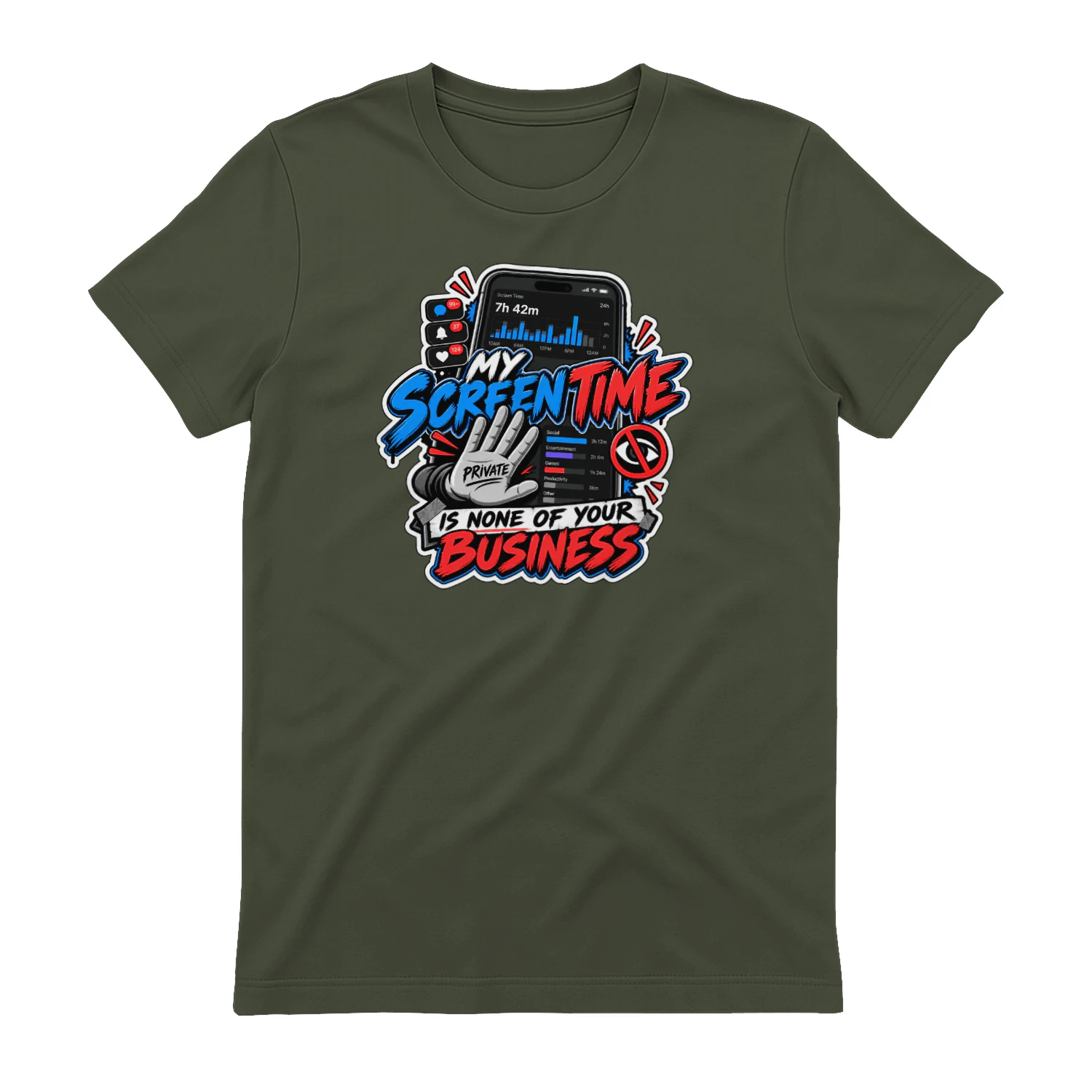
My Screen Time Is None of Your Business
A loud digital-life design for anyone who would rather keep their weekly screen-time report private. “My Screen Time Is None of Your Business” turns a slightly uncomfortable phone notification into wearable internet humor for scrollers, gamers, creators, and tech addicts.
WhatConverts
Lead and conversion tracking for marketers who need to connect calls, forms and campaign sources to real outcomes.
Original source
Mode adds independent editorial context while preserving a clear path to the original source behind this story.
View original source ↗